

Start with a reliable hub
The smart home hub is the central nervous system of your automation setup. It connects disparate devices, translates protocols, and executes routines without sending your private data to a third-party cloud. For tech enthusiasts, local control is non-negotiable. It ensures your lights stay on during internet outages and keeps your sensor data within your own network.
Home Assistant stands out as the gold standard for local automation. This open-source platform gives you complete visibility and control over every device in your home. Unlike walled-garden ecosystems, Home Assistant lets you integrate devices from different manufacturers into a single, cohesive interface. Its massive community of developers and DIY enthusiasts ensures broad compatibility with almost any smart device you can buy.
While cloud-based hubs offer convenience, they introduce latency and privacy risks. A local hub like Home Assistant processes routines on your own hardware. This means commands execute instantly, and your daily habits never leave your house. For those who want to build a truly independent smart home, starting with a robust local hub is the most critical step.
Essential Smart Lighting and Plugs
Smart plugs and bulbs are the lowest-friction entry point into home automation. They require no wiring changes, no hub installations, and no learning curve. You can automate a lamp, a fan, or a coffee maker in under two minutes. This immediate feedback loop is what turns casual curiosity into a lasting smart home habit.
The real value here isn't just remote control—it's local control and privacy. When you buy a plug that works directly with your Wi-Fi or local hub, you aren't relying on a cloud server to toggle a light. If your internet goes down, your scheduled routines still run. This reliability is why these entry-level devices form the backbone of a practical automation system.
We recommend starting with devices that offer both scheduling and energy monitoring. Knowing how much power your electronics draw helps you identify "vampire loads" and cut waste without guessing. The products below balance ease of use with robust local connectivity.


As an Amazon Associate, we may earn from qualifying purchases.
Security and monitoring gear
Protecting your home starts with visible deterrents and reliable alerts. The right security hardware creates a layered defense, letting you monitor entry points and respond to motion without waiting for cloud servers to process data.
Smart doorbells and cameras
A smart doorbell is often the first line of defense. It combines a camera with two-way audio, allowing you to verify visitors before opening the door. Look for models with wide-angle lenses and night vision to capture details in low light. Local storage options are preferable for privacy, keeping footage off third-party servers.
Outdoor cameras should withstand weather while providing clear video. Wired models offer continuous power, while battery versions allow flexible placement. Ensure the device supports local control protocols so you can view live feeds even if your internet connection drops.
Smart locks and access control
Physical entry points need digital management. Smart locks replace traditional keys with codes, fingerprints, or mobile app access. This eliminates the risk of lost keys and allows you to grant temporary access to guests or service providers.
Choose locks that integrate directly with your home hub rather than relying solely on Wi-Fi. This reduces latency and ensures the lock functions during network outages. Look for features like automatic locking and tamper alerts to maintain security without constant manual checks.
| Feature | Camera | Smart Lock |
|---|---|---|
| Power Source | Battery or Wired | Battery or Wired |
| Local Storage | MicroSD or Hub | N/A |
| Access Control | Motion Zones | Codes & Biometrics |
Climate and energy control
Use this section to make the Best Smart Home Automation Devices for decision easier to compare in real life, not just on paper. Start with the reader's actual constraint, then separate must-have requirements from details that are merely nice to have. A practical choice should survive normal use, maintenance, timing, and budget. If a recommendation only works in an ideal situation, call that out plainly and give the reader a fallback path.
The simplest way to use this section is to write down the must-have criteria first, then compare each option against those criteria before weighing nice-to-have features.
DIY home automation projects
Off-the-shelf smart home kits often force you into a specific ecosystem, locking your devices into a single cloud service. For tech enthusiasts who value privacy and local control, building your own automation layer offers a way to bypass these restrictions entirely. By leveraging open-source platforms and modular hardware, you can create a system that responds to your specific habits rather than a generic set of rules.
The foundation of any serious DIY smart home is a robust local hub. Home Assistant is the leading open-source platform for this purpose, allowing you to integrate devices from different manufacturers into a single dashboard without sending data to external servers. This approach ensures that if your internet goes down, your lights still turn on and your locks still work. It also gives you granular control over data, keeping your personal routines private.
Start with a local hub
Install Home Assistant on a Raspberry Pi or a small form-factor PC. This acts as the brain of your operation, connecting Zigbee, Z-Wave, and Wi-Fi devices locally. You can then use automations to link disparate devices, such as turning on smart bulbs when a motion sensor detects activity, all without cloud latency.
Integrate existing smart plugs
You don't need to rip out every device to start. Smart plugs like the TP-Link Kasa series or Shelly relays can be integrated into your local hub via MQTT or local API calls. This allows you to add automation to "dumb" appliances, such as scheduling a coffee maker to turn on at 7 AM or monitoring energy usage for specific circuits.
Add sensors for context
Automation becomes truly intelligent when it reacts to the environment. Add Zigbee or Z-Wave sensors for door/window contact, temperature, and humidity. These sensors feed real-time data into your hub, enabling complex automations like closing smart blinds when the temperature exceeds a certain threshold or triggering an alert when a window is left open during rain.
Create custom automations
Use the visual automation editor or YAML configuration to define specific logic. For example, you can set up a "morning routine" that gradually increases light brightness, plays news headlines, and adjusts the thermostat based on your sleep schedule data from a wearable device. This level of customization is rarely possible with standard manufacturer apps.
Secure your network
DIY automation requires a secure setup. Place your hub on a separate VLAN to isolate IoT devices from your main network. Use strong passwords, enable two-factor authentication on the hub interface, and regularly update your software to patch vulnerabilities. This ensures your local network remains a safe haven for your data.
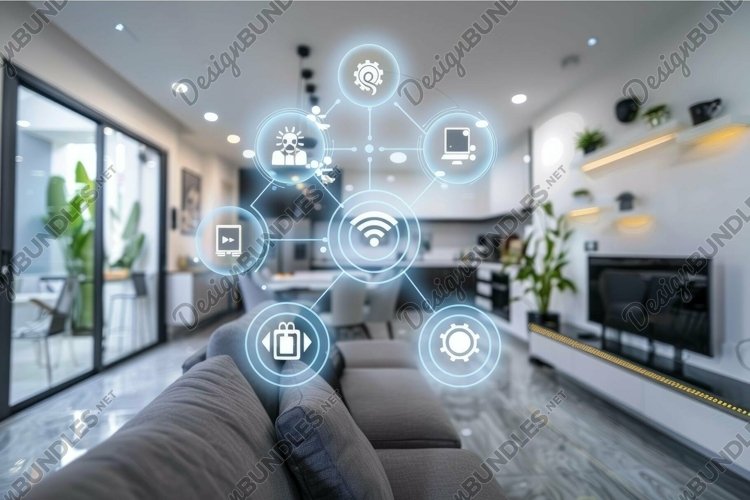
Sketch out the specific automations you want, such as lights turning on at sunset or alerts for open doors. Identify which devices are already compatible with your chosen hub.
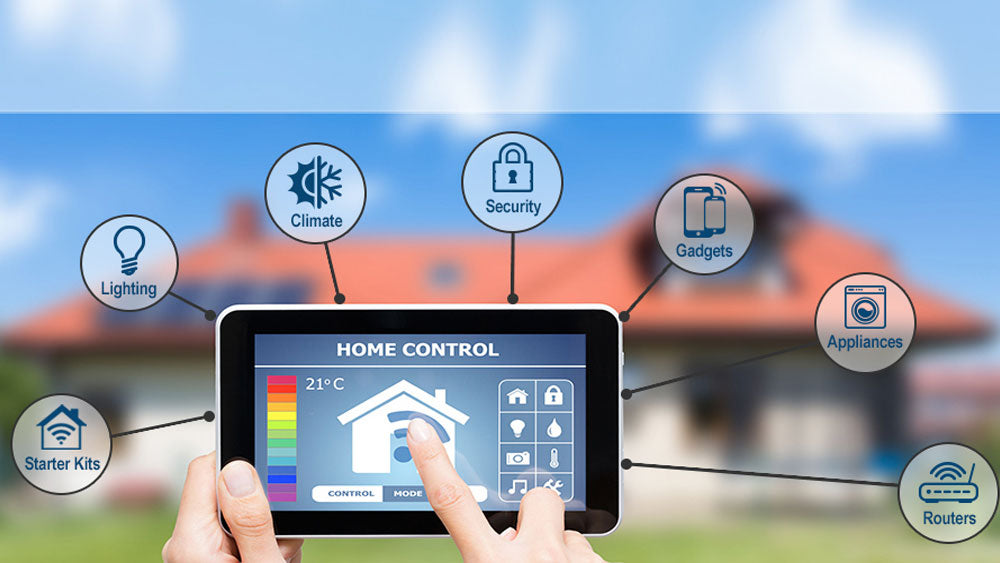
Install Home Assistant on a Raspberry Pi or similar device. Connect it to your network and configure basic user accounts and security settings before adding devices.
Add your smart plugs, sensors, and lights to the hub using local integrations like Zigbee2MQTT or ZHA. Verify that each device shows up in your dashboard and responds to local commands.
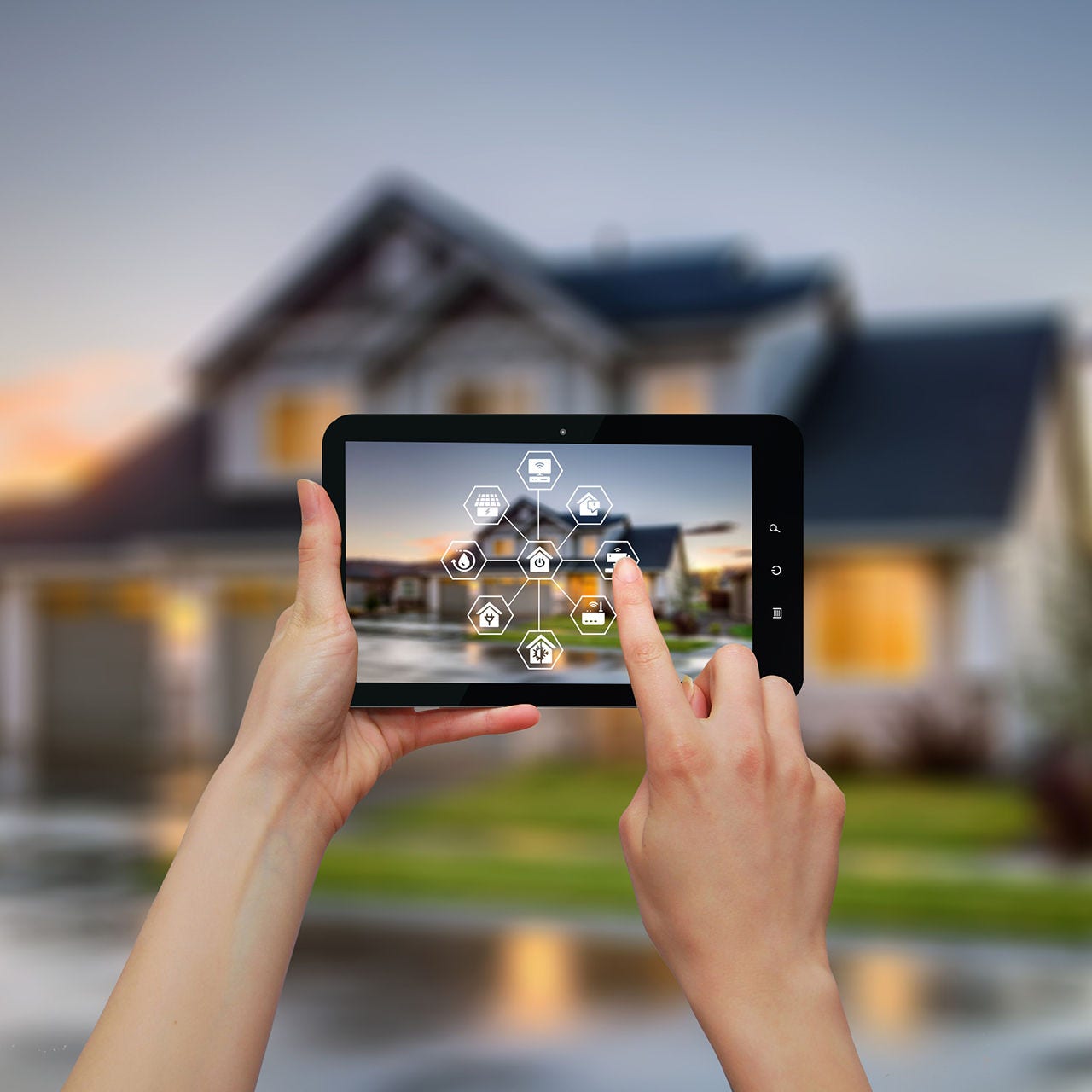
Create your first automation rules. Test them thoroughly to ensure they trigger correctly and don't conflict with other routines. Adjust timing and conditions as needed.
Regularly update your hub and device firmware. Monitor network traffic for anomalies and ensure your hub is isolated on a secure VLAN to protect your home network.


As an Amazon Associate, we may earn from qualifying purchases.
Frequently asked: what to check next
Can I use smart home devices from different brands together?
Most modern smart home automation devices work across brands if they share a common communication protocol like Zigbee, Z-Wave, or Matter. However, mixing ecosystems can sometimes create compatibility friction. Using a local hub like Home Assistant allows you to bridge these different brands, giving you a unified control panel without relying on a single vendor's walled garden.
Is local control better for privacy than cloud-based systems?
Yes. Cloud-based automation sends your data to remote servers, which can be a privacy risk if those servers are breached. Local control keeps your video feeds, voice commands, and usage data on your own network. This approach, championed by open-source platforms like Home Assistant, ensures that your personal information stays within your home.
How difficult is it to set up a smart home system?
Setup complexity depends on the devices you choose. Plug-and-play options like smart plugs or bulbs are straightforward, often requiring just an app download. More complex systems involving security cameras, smart locks, or whole-home lighting may require additional hardware like a central hub or hubless controllers. Reading product reviews before buying helps you gauge the technical effort required.
What happens if my internet goes down?
If your smart home relies entirely on cloud services, many features will stop working when your internet connection drops. Devices with local control capabilities, however, will continue to function normally. This is especially important for critical security devices like door locks, cameras, and alarms, which need to remain operational even during outages.
No comments yet. Be the first to share your thoughts!