

Pick the right automation hub
Choosing a smart home hub is the most important decision you’ll make for your 2026 setup. The hub acts as the central nervous system, dictating which devices you can buy and how smoothly they interact. Your choice ultimately depends on two factors: your tolerance for technical setup and your priority for data privacy.
The market splits into two distinct camps. On one side are proprietary ecosystems like Amazon Alexa and Google Home. These platforms prioritize convenience. You plug in a device, say a command, and it works. On the other side are open-source platforms like Home Assistant. These prioritize local control and privacy, keeping your data inside your home rather than on a remote server. This approach requires more technical effort but offers greater freedom and reliability.
| Feature | Alexa / Google | Home Assistant |
|---|---|---|
| Setup Ease | Plug-and-play | Requires manual config |
| Data Privacy | Cloud-based tracking | Local processing only |
| Device Variety | Curated partners only | Thousands of integrations |
| Reliability | Depends on internet | Works offline |
Proprietary hubs are best for renters or those who want a "just works" experience. You get broad compatibility with major brands like Philips Hue or Ring, but you trade some privacy for that ease. Open-source hubs suit tech enthusiasts who want to avoid vendor lock-in. They support a wider range of protocols, including Matter, Thread, and Zigbee, often without needing expensive bridges.
Essential smart lighting and switches
Lighting is the most common entry point for home automation because it offers immediate visible results without requiring complex wiring or professional installation. A reliable smart bulb or switch lets you control brightness, color temperature, and scheduling from your phone or voice assistant. The goal is to choose devices that stay connected and respond instantly, turning your home into a responsive environment rather than just a collection of connected gadgets.
Smart bulbs for ambient control
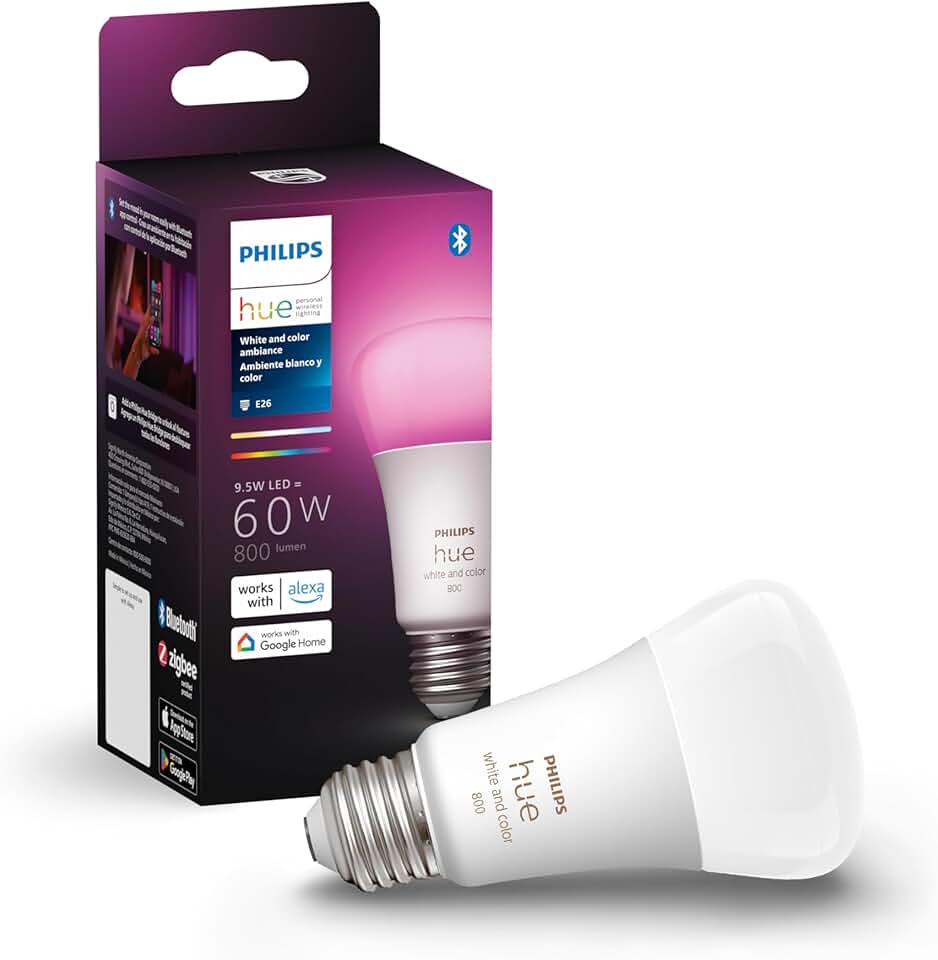
Smart bulbs are the easiest way to start automating your home. They screw into standard fixtures and connect directly to your Wi-Fi or a dedicated hub like Philips Hue Bridge. Look for bulbs that support Matter for future-proof compatibility across Apple Home, Google Home, and Amazon Alexa. Color-changing bulbs add versatility for mood lighting, while dimmable white bulbs are sufficient for most functional tasks.
When selecting bulbs, prioritize those with high Color Rendering Index (CRI) ratings to ensure colors in your home look natural. Brands like Philips Hue, LIFX, and Nanoleaf offer reliable ecosystems, but many third-party options from Sengled or Wyze provide solid performance at a lower price point. Check if the bulb requires a neutral wire for dimming if you are replacing a switch, though this is not needed for bulb-only replacements.
Smart switches for whole-room automation
Smart switches replace your existing wall switches, giving you physical control over all lights in a room, including those connected to smart bulbs or permanent fixtures. This is crucial for guests or family members who prefer tactile buttons over apps. When installing, ensure your switch box has a neutral wire, which is standard in newer homes but may be absent in older constructions. If you lack a neutral wire, look for switch models that work without one, though they may be less reliable.
Z-Wave and Zigbee switches often offer more reliable mesh networking than Wi-Fi-only models, reducing the chance of lag or disconnection. Brands like Lutron Caséta and Leviton Vizia are known for their stability and sleek designs. Lutron’s proprietary protocol is particularly noted for its reliability, though it requires a dedicated hub. For broader compatibility, Zigbee switches from brands like Gledopto or Shelly integrate well with Home Assistant or Hubitat.
Integration and reliability considerations
Reliability matters more than features in smart lighting. A bulb that drops offline every few days is more frustrating than a basic smart bulb that works every time. Stick to established brands with regular firmware updates and active community support. Avoid obscure brands that may disappear from the market, leaving your devices unsupported.
Consider your existing ecosystem. If you use Apple HomeKit, look for HomeKit-certified devices for seamless setup. Google Home users benefit from devices that support Matter for Google Home. Amazon Alexa users have the widest selection, but should still prioritize devices with good reviews for connectivity stability. Cross-platform compatibility via Matter is becoming the standard, making it easier to mix and match devices from different manufacturers.


As an Amazon Associate, we may earn from qualifying purchases.
Security cameras and doorbells
Smart cameras and doorbells are the eyes of a connected home, offering peace of mind whether you are at work or asleep. The best devices balance high-quality video with reliable local storage or flexible cloud options, ensuring you own your footage without mandatory monthly fees. Modern systems also integrate seamlessly with other automation hubs, allowing cameras to trigger lights or locks when motion is detected.


As an Amazon Associate, we may earn from qualifying purchases.
When choosing a camera, consider your connectivity and power constraints. Battery-powered models like the Ring Stick Up Cam offer flexible placement without wiring, while wired options like the Arlo Essential provide continuous power for always-on recording. For budget-conscious setups, the Blink Outdoor 4 delivers solid performance with the added benefit of local storage via the Sync Module 2, eliminating recurring costs.
Smart Thermostats and Plugs for Energy Savings
Smart climate control devices offer the most direct path to reducing energy waste in a DIY setup. By automating temperature adjustments and cutting power to idle electronics, these tools lower utility bills without requiring a major renovation. The goal is simple: maintain comfort only when needed.
Smart Thermostats
Smart thermostats act as the brain of your HVAC system, learning your schedule and adjusting heating or cooling automatically. Modern units can detect when you leave the house and shift into eco-mode, then return to a comfortable temperature before you arrive. This automation prevents the common habit of heating an empty home.
For those prioritizing ease of installation and broad compatibility, the Google Nest Thermostat is a reliable entry point. It integrates seamlessly with Google Home and works with most central HVAC systems, providing clear energy usage reports. If you prefer an open-source ecosystem, the Ecobee Smart Thermostat offers superior room sensor support, ensuring every part of the house stays at the right temperature.
Smart Plugs and Strips
Thermostats handle the big energy loads, but smart plugs tackle "vampire power"—the electricity consumed by devices in standby mode. Gaming consoles, smart TVs, and office printers draw power even when turned off. Plugging these into smart strips allows you to cut power completely during work hours or while sleeping.
The TP-Link Kasa Smart Plug is a staple for beginners due to its compact design and reliable app. It fits behind furniture without blocking adjacent outlets, making it ideal for high-density setups. For home offices, the Wemo Smart Power Strip groups multiple devices into a single switchable unit, letting you kill power to your entire desk setup with one tap or voice command.
Start your diy automation journey
Building a smart home can feel like assembling a puzzle with missing pieces if you skip the planning phase. The biggest mistake beginners make is buying devices that don’t speak the same language. Zigbee and Z-Wave are the most common protocols, and they aren’t interchangeable. A Zigbee bulb won’t work with a Z-Wave hub without a specific bridge, which adds unnecessary complexity.
Start by picking a single ecosystem hub—like a SmartThings stick, an Aeotec hub, or an Apple HomePod—and stick with it. This keeps your network stable and your apps unified. Don’t buy a “smart” light bulb if your router is already struggling; these devices add traffic to your Wi-Fi. Instead, use low-power protocols for sensors and switches to keep your main network clear for streaming and calls.
Here is a quick checklist to keep your setup on track:
- Pick one hub first. Avoid mixing brands that don’t integrate natively.
- Check protocol compatibility. Ensure bulbs, plugs, and sensors match your hub’s radio (Zigbee, Z-Wave, or Wi-Fi).
- Verify Wi-Fi strength. Smart devices need stable connections; weak signals cause constant disconnections.
- Start small. Automate two rooms before expanding to the whole house.
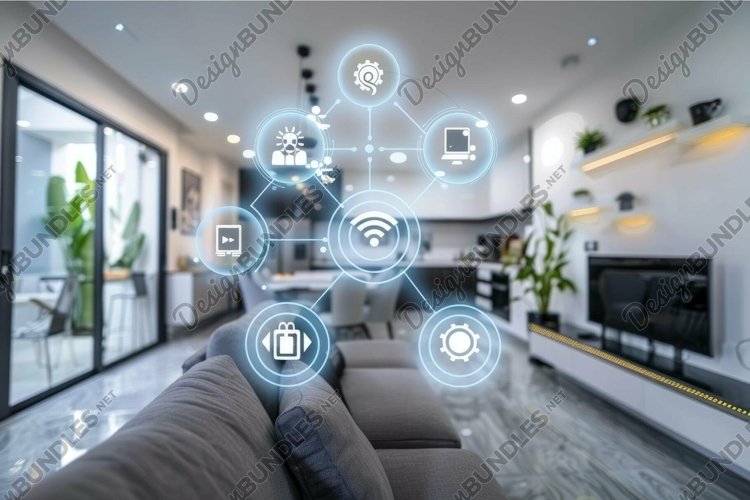
Select a central controller that supports the devices you want. Amazon Echo, Google Nest Hub, or a dedicated hub like Samsung SmartThings work well for beginners. Ensure it supports Zigbee or Z-Wave if you plan to use sensors.

List every device you want in each room. Start with lighting and plugs, then add sensors and cameras. This prevents buying duplicate hubs or incompatible accessories later.
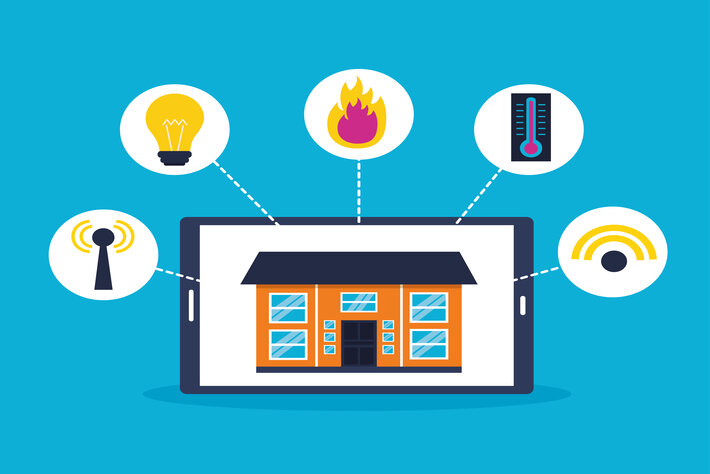
Set up one device at a time. Test its response time and reliability before moving to the next. This isolates issues if a device fails to connect.


As an Amazon Associate, we may earn from qualifying purchases.
No comments yet. Be the first to share your thoughts!