

Choosing the right hub for your home
The smart home hub acts as the central nervous system of your automation setup, translating commands between devices and the internet. Without a reliable controller, sensors and switches operate in isolation. Selecting the right hub depends on your preferred protocols—Matter, Zigbee, or Z-Wave—and your tolerance for cloud dependency.
Open-source platforms like Home Assistant offer granular access to device data without routing everything through external servers. This approach appeals to power users who want to ensure home automation continues functioning even if the internet drops. It requires more technical setup but provides unmatched flexibility and security.
Commercial hubs from major tech companies often prioritize ease of use and voice assistant integration over local processing. They support a wide range of devices but typically rely on cloud connectivity for complex automations. If you prefer a plug-and-play experience with seamless Alexa or Google Home integration, these proprietary systems are usually the better fit.
The table below compares three leading options across key metrics to help you decide which architecture fits your lifestyle.
| Hub | Protocols | Local Control | Voice Assistant |
|---|---|---|---|
| Home Assistant | Zigbee, Z-Wave, Matter, Wi-Fi | Full | Alexa, Google, Siri (via bridge) |
| Samsung SmartThings | Zigbee, Z-Wave, Matter, Wi-Fi | Partial | Alexa, Google, Bixby |
| Amazon Echo Hub | Matter, Zigbee, Wi-Fi | Limited | Alexa (native) |
Once you have identified the hub that matches your technical comfort level, the next step is selecting the actual devices that will populate your network. Look for products that explicitly support the protocols your hub handles natively to avoid compatibility headaches later.


As an Amazon Associate, we may earn from qualifying purchases.
Smart lighting that sets the mood
Reliable smart lighting goes beyond simple on-off switches; it requires accurate color rendering and consistent automation to truly set the right atmosphere. For power users, local processing ensures lighting scenes trigger instantly without waiting for cloud connectivity. This section highlights specific smart bulbs and switches that prioritize privacy and performance.
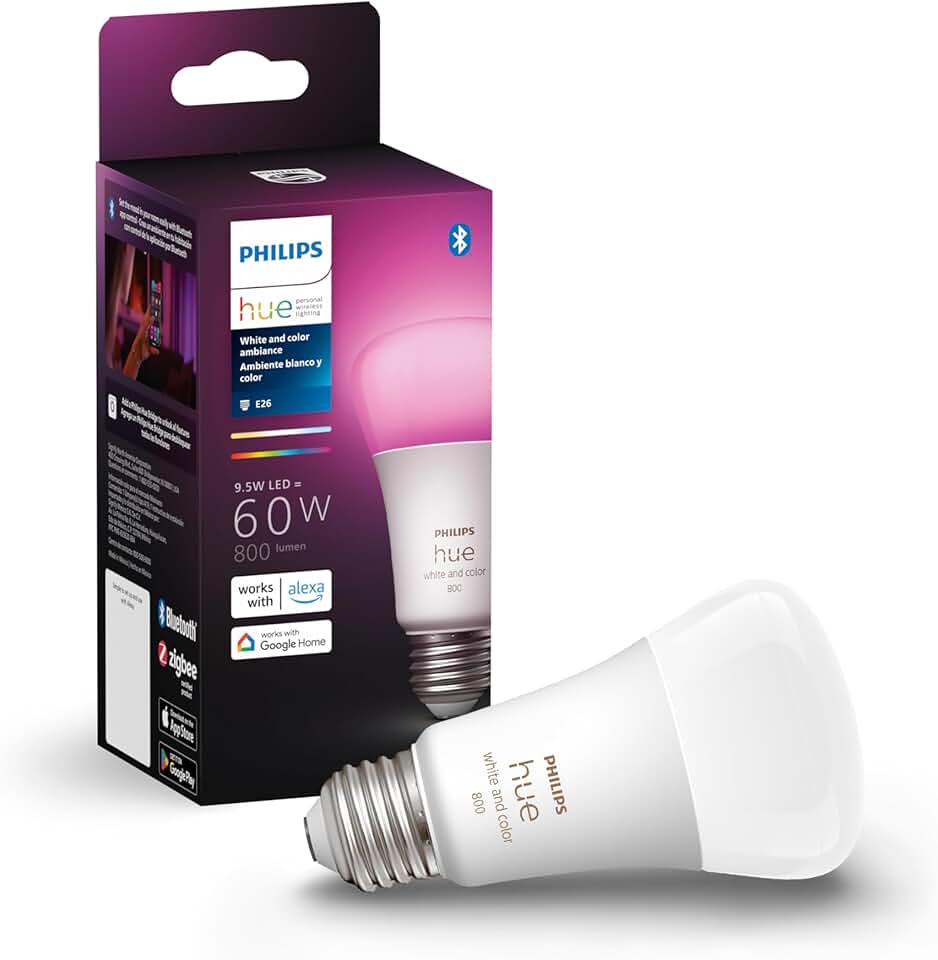
Hue White and Color Ambiance E26
Philips Hue remains the benchmark for color accuracy and ecosystem stability. Its bulbs offer a wide gamut of colors and whites, making them ideal for creating specific moods, from warm reading light to vibrant party scenes. The system supports local control via the Hue Bridge, which can be configured to run automation routines independently of the internet, addressing privacy concerns for security-conscious users.
LIFX A19
LIFX delivers bright, vivid colors without the need for a separate hub, connecting directly to your Wi-Fi network. This makes installation straightforward for those who want to avoid adding another device to their smart home setup. The bulbs support Matter and Thread, ensuring future-proof compatibility with various smart home platforms while maintaining high color fidelity for cinematic or relaxing lighting effects.
Lutron Caseta Smart Dimmer
For users who prefer physical switches over app control, the Lutron Caseta Smart Dimmer offers a seamless blend of traditional aesthetics and modern automation. It installs in standard wall boxes and works with most dimmable LED bulbs. The system is renowned for its reliability and local processing, ensuring that your lights respond instantly to schedules or voice commands without latency.


As an Amazon Associate, we may earn from qualifying purchases.
Security cameras and doorbells
Security cameras and doorbells are the eyes of your smart home, providing the visual data needed to trigger automation routines. When paired with motion sensors, these devices can turn on porch lights or send alerts to your phone the moment someone approaches. For power users, the priority is keeping video feeds within your home network rather than relying on cloud servers.
Local processing is essential for reducing latency and protecting sensitive footage. Devices that support local storage or on-device AI analysis allow you to set up automation rules without sending data to third-party clouds. This approach keeps your home secure while maintaining the privacy you expect from your own hardware.
The following products are popular choices for integrating security hardware into your automation ecosystem. They support local control options and integrate with major home automation platforms.


As an Amazon Associate, we may earn from qualifying purchases.
Smart Thermostats and Vents for Efficiency
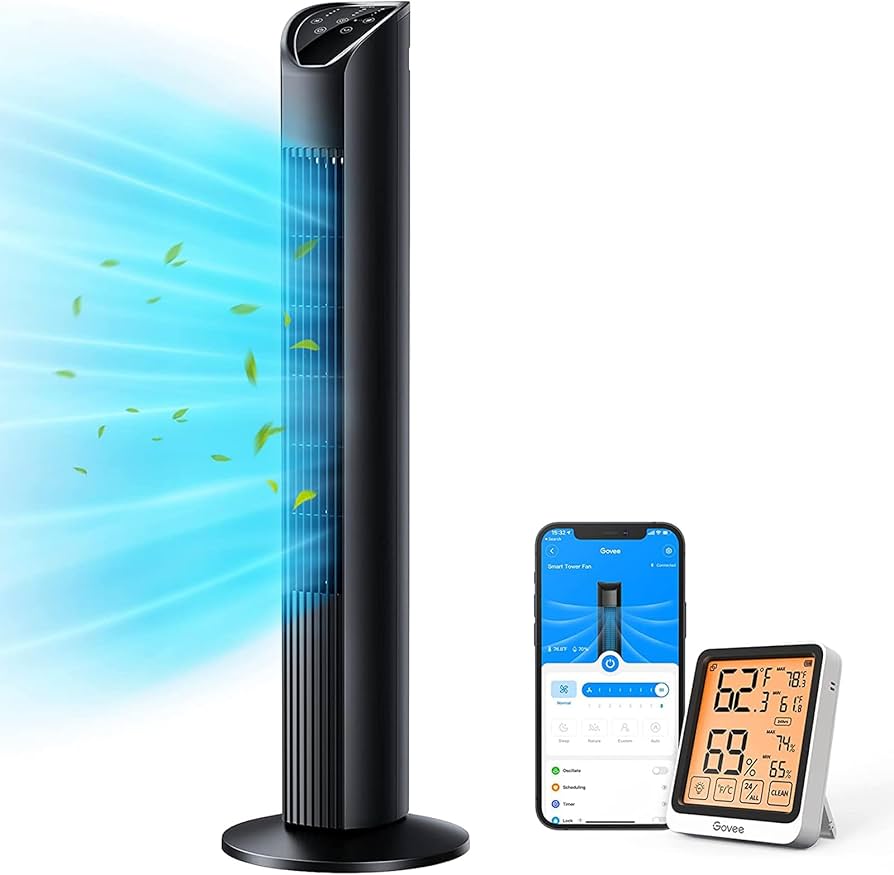
Smart climate control devices are the backbone of an efficient home automation system. By learning your daily schedule and responding to occupancy, these devices eliminate the waste of heating or cooling empty rooms. The result is lower energy bills without sacrificing comfort. For power users, the real value lies in keeping your data in your house rather than on a cloud server.
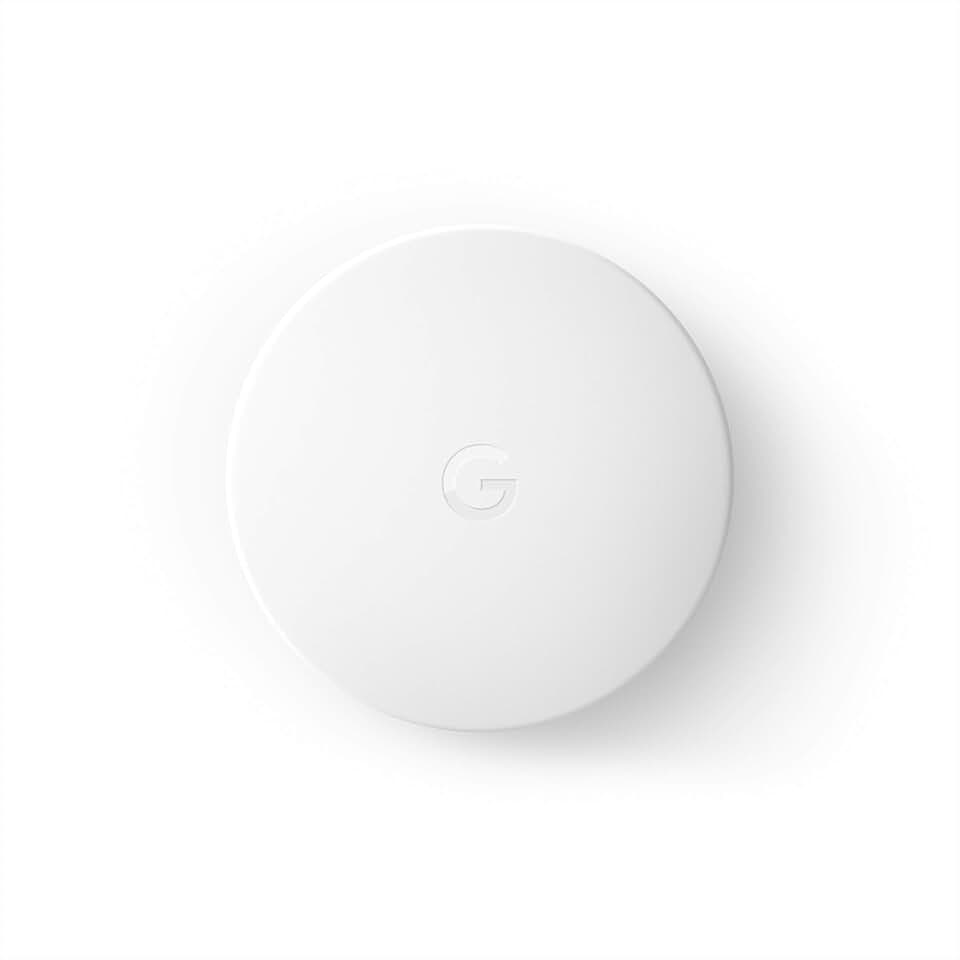
Smart thermostats act as the brain of your HVAC system. They track when you wake up, leave for work, and return home, adjusting temperatures automatically. Some models even use geofencing to detect when you are approaching the house. This proactive approach means you never come home to a freezing or sweltering environment, and you never waste energy conditioning an empty space.
To take efficiency further, smart vents allow you to direct airflow to specific rooms. If you rarely use the guest bedroom, you can close that vent and focus cooling on the living areas. This zoning capability works best with smart thermostats that can monitor pressure changes in your ductwork. Together, they create a balanced system that delivers comfort where it is needed most.
Choosing the right hardware matters for long-term savings. Look for devices that support Matter or Zigbee for reliable local connectivity. These protocols reduce dependency on internet outages and keep your climate control running even if your Wi-Fi drops. Prioritize brands that offer transparent privacy policies and local API access for integration with home automation hubs.

As an Amazon Associate, we may earn from qualifying purchases.
DIY automation with Home Assistant
Home Assistant is the definitive choice for power users who want full control over their smart home infrastructure. As an open-source platform, it prioritizes local processing and privacy above all else, ensuring that your automation logic stays on your own hardware rather than relying on cloud servers. This approach not only protects your data but also guarantees that your automations continue to work even when your internet connection goes down.
The platform is built by a worldwide community of tinkerers and DIY enthusiasts, resulting in a highly customizable environment that can integrate with virtually any smart device. While it requires more initial setup time than consumer-grade hubs, the flexibility it offers is unmatched. You can create complex automation routines that trigger based on local sensors, time, or device states without sending data to third-party clouds.
For those ready to dive into DIY automation, pairing Home Assistant with reliable hardware is essential. The following devices are popular choices for building a robust, local-first smart home network.


As an Amazon Associate, we may earn from qualifying purchases.
Create your first automation routine
Building your first smart home automation is less about complex coding and more about establishing a reliable trigger-action pattern. Think of it like setting a simple rule: "When this happens, do that." For beginners, the most effective starting point is a "Good Morning" scene. This routine combines lighting, climate, and audio into a single command, giving you immediate proof that your setup works.
Start with a physical event you perform daily. A smart button or a wall switch is ideal because it removes the guesswork of voice recognition or app navigation. When you press the button, your hub should recognize the signal instantly. Local control ensures this happens without waiting for a cloud server, making the experience feel snappy and responsive.
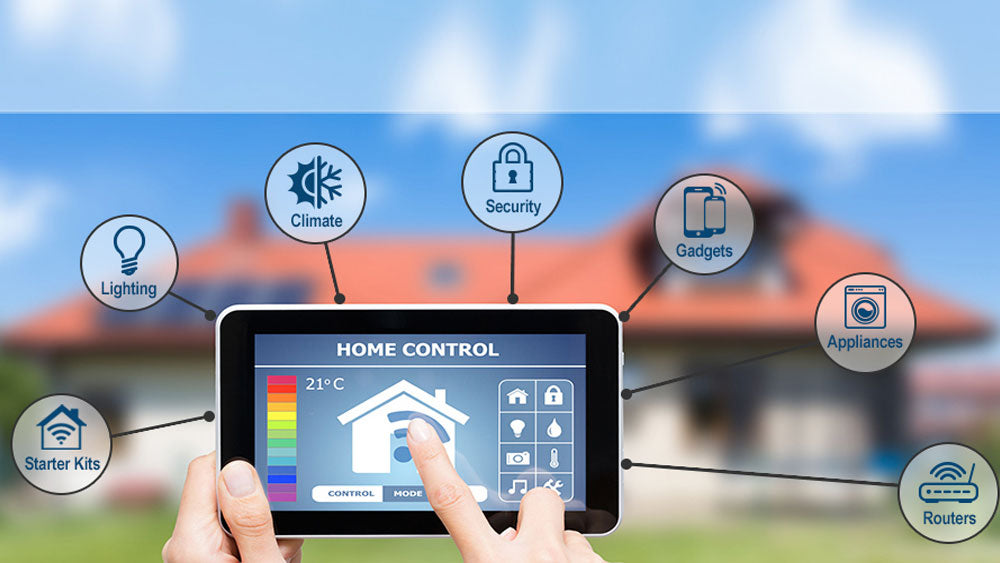
Pick three distinct devices to include in your routine. Brightness levels should be gradual to avoid startling your eyes. For example, set bedroom lights to 40% brightness over five seconds. Add a smart plug for a coffee maker or a smart speaker to play a short playlist. Keep the number of actions small; complex routines often fail if one device lags.
Run the routine manually three times in a row. Check if every device responds correctly. If a light fails to turn on, check its battery or connection status. Adjust the timing delays between actions if devices seem to fight for network bandwidth. A smooth routine feels invisible; if you notice delays, simplify the action list.
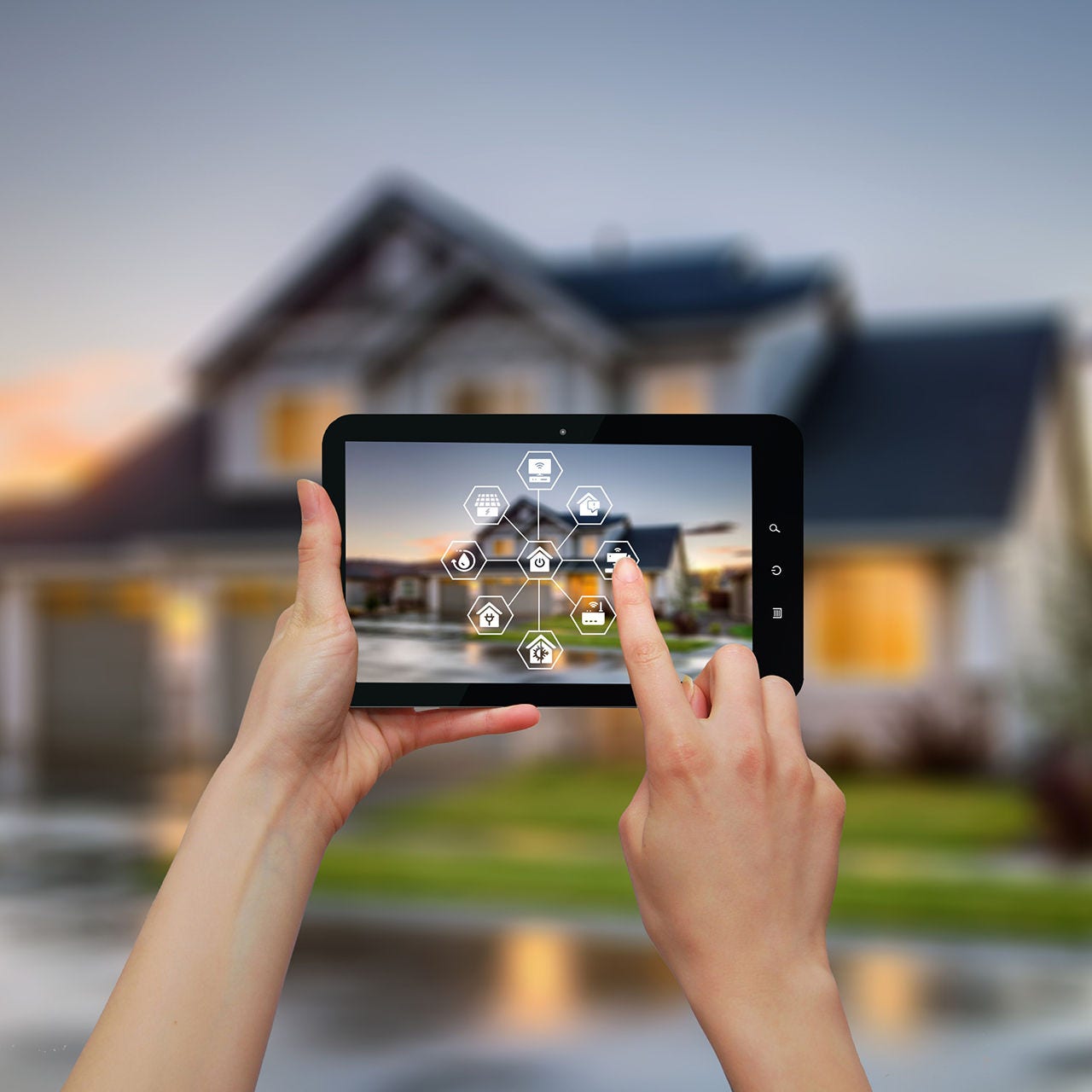
Once the basic routine works, add a condition to make it smarter. For instance, only trigger the "Good Morning" scene if the sun is up. This prevents the routine from activating at 3 a.m. if you wake up early. Most hubs allow you to set time windows or sensor-based conditions to prevent unwanted activations.


As an Amazon Associate, we may earn from qualifying purchases.
Frequently asked questions about smart homes
Do smart home devices work together?
Compatibility depends on the underlying protocol. Devices using Matter or Thread generally integrate seamlessly across brands like Apple, Google, and Amazon. However, older Zigbee or Z-Wave devices may require a specific hub. Always check the product specifications to ensure the device supports your existing ecosystem before purchasing.
Is home automation secure and private?
Security is a primary concern for power users. Local control solutions, such as those using Home Assistant or Hubitat, keep data on your local network rather than sending it to the cloud. This reduces the risk of remote breaches. For cloud-based devices, ensure two-factor authentication is enabled and review the manufacturer’s privacy policy regarding data storage.
How difficult is it to set up smart devices?
Most modern devices are plug-and-play. Wi-Fi cameras and smart plugs typically connect via a dedicated app in under five minutes. More complex systems, like whole-home audio or security sensors, may require professional installation or advanced networking knowledge. Start with a few key devices to test your network’s stability before expanding.
Can I control everything from one app?
Not always. While hubs like Samsung SmartThings or Apple HomeKit centralize control, some specialized devices retain their own apps for advanced settings. Using a unified hub reduces app clutter, but you may still need manufacturer apps for firmware updates or specific feature configurations.
No comments yet. Be the first to share your thoughts!