
Pick the right hub first
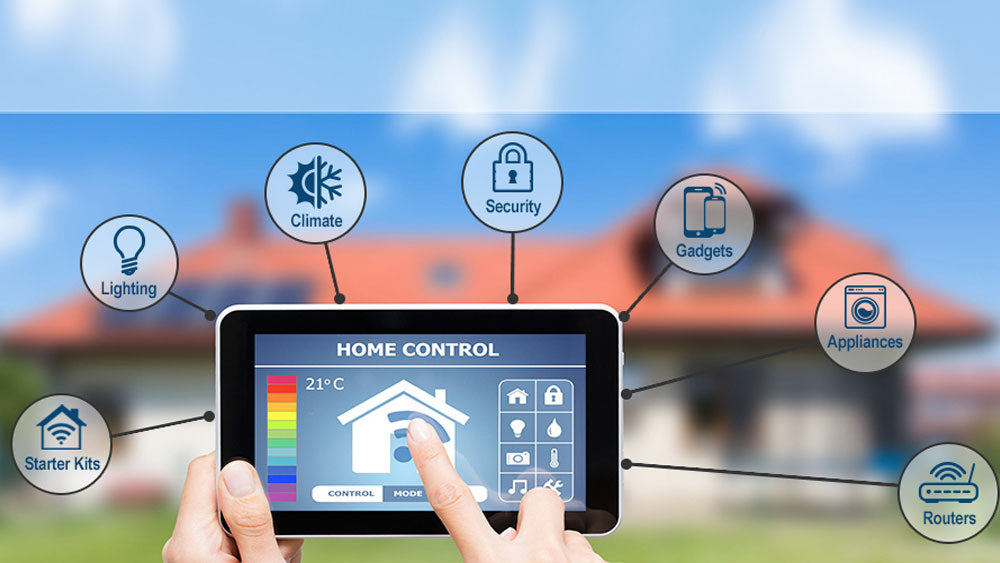
The smart home hub is the brain of your setup. It connects your lights, locks, and sensors, allowing them to talk to each other and to you. Choosing the wrong hub can lead to a fragmented experience where devices work in isolation. Your choice depends on your technical comfort and whether you prioritize convenience or local control.
Matter: The Future-Proof Standard
Matter is the new interoperability standard that allows devices from different brands to work together seamlessly. If you are buying new devices in 2026, ensure they support Matter. This guarantees that your investments won't become obsolete when you switch ecosystems later.
Home Assistant: For Local Control
For DIY enthusiasts who value privacy, Home Assistant is the gold standard. It runs on your own hardware, keeping your data local rather than in the cloud. This approach offers robust automation capabilities but requires more technical setup. It is ideal for users who want full control over their network.
Proprietary Ecosystems: Ease of Use
Platforms like Amazon Alexa, Google Home, and Apple Home offer plug-and-play simplicity. They are great for beginners who want quick setup and voice control without tinkering. However, they often rely on cloud processing, which can impact privacy and reliability if your internet goes down. Choose these if you prioritize convenience over deep customization.
Best smart speakers and displays
Smart speakers and displays act as the central nervous system for home automation. They translate voice commands into actions, controlling lights, thermostats, and security cameras. For DIY users, the choice of ecosystem matters most for local control and privacy. We recommend devices that support Matter or work with local hubs like Home Assistant to avoid cloud dependency.
The Google Nest Hub (2nd Gen) offers a clean interface for managing routines. Its touchscreen is responsive, and it integrates well with Google Home for lighting and climate control. It lacks a camera, which is a privacy plus for bedrooms. The Amazon Echo Show 8 (2nd Gen) remains a strong contender for those invested in the Alexa ecosystem. It provides clear video for calls and displays weather and calendar info prominently.
For users prioritizing privacy, the Sonos One (Gen 2) with Google Assistant is a solid audio-first option. It keeps the microphone off by default and allows for manual muting. The Apple HomePod mini is the best choice for iOS users, offering tight integration with HomeKit and enhanced privacy features. It supports Thread, making it a reliable hub for Matter devices.


As an Amazon Associate, we may earn from qualifying purchases.
Secure your home with smart locks
Smart locks are the gateway to a reliable automation ecosystem. They replace physical keys with digital credentials, allowing you to monitor entry points and grant temporary access to guests or service providers without being present. For DIY enthusiasts, the priority is often local control and privacy, ensuring that your door remains secure even if your internet connection drops.
When choosing a smart lock, look for models that support Matter or Thread protocols. These standards allow the lock to communicate directly with your hub or router, bypassing the cloud for faster response times. Encryption and tamper-proof designs are non-negotiable for hardware that sits on your front door.


As an Amazon Associate, we may earn from qualifying purchases.
Automate lighting and climate
Smart bulbs, plugs, and thermostats deliver the most immediate payoff in a home automation setup. Unlike complex security systems that sit in the background, these devices change your daily routine the moment you install them. They bridge the gap between convenience and energy efficiency, letting you control the environment without leaving the couch.
Smart Lighting
Lighting is the easiest entry point for automation. Smart bulbs like the Philips Hue or Wyze Bulb allow you to schedule scenes, dim lights for movie nights, or turn them off remotely if you forget. For a budget-friendly option that doesn't require a hub, Wi-Fi bulbs from brands like TP-Link Kasa or Sengled work directly with your router. Smart plugs take this further by adding automation to any lamp or fan, turning "dumb" fixtures into smart ones.
Smart Thermostats
Climate control is where automation saves the most money. A smart thermostat like the Ecobee or Nest learns your schedule and adjusts heating and cooling when you're away, preventing wasted energy. These devices integrate with smart vents and sensors to balance temperatures across different rooms. For DIY users who prioritize privacy, open-source options like the Home Assistant integration with ESPHome thermostats offer local control without cloud dependency.
Comparison of Top Devices
| Device Type | Best For | Key Feature | Local Control | Privacy Focus |
|---|---|---|---|---|
| Philips Hue | Lighting Scenes | Color accuracy & ecosystem | Yes (via bridge) | Medium |
| Ecobee | Energy Savings | Room sensors & occupancy | Yes | High |
| TP-Link Kasa | Budget Plugs | No hub required | Yes | High |
| Wyze Bulb | Entry-Level | Low cost & basic scheduling | Yes | Medium |
Energy Savings
Automating lighting and climate can reduce energy bills by 10-20%. Smart thermostats prevent heating or cooling empty rooms, while smart plugs cut phantom power to devices like TVs and computers. Over time, these small savings add up, making the initial investment in smart devices pay for itself. For more details on which devices are worth the upgrade, check out PCMag's 2026 smart home picks.
DIY projects for tech enthusiasts
For readers who find off-the-shelf hubs limiting, building your own automation stack offers superior privacy and flexibility. By leveraging open-source platforms like Home Assistant, you can centralize control over disparate devices while keeping data local to your network. This approach appeals to tech enthusiasts who prioritize local control and want to avoid vendor lock-in.
Build a Raspberry Pi Hub
A Raspberry Pi serves as the perfect brain for a DIY smart home. It is inexpensive, energy-efficient, and runs Home Assistant OS out of the box. This setup allows you to integrate Zigbee, Z-Wave, and Matter devices without relying on cloud servers. You gain full visibility into your network traffic and can create complex automations that commercial hubs simply cannot support.
Automate with Node-RED
For users comfortable with coding, Node-RED provides a visual programming interface for wiring together hardware devices, APIs, and online services. It integrates seamlessly with Home Assistant, allowing you to build logic flows for lighting, security, and energy monitoring. This tool is ideal for creating custom triggers, such as adjusting blinds based on local weather forecasts or sending alerts when specific appliances draw unusual power.
Start with a Safety Checklist
Before diving into hardware modifications, ensure your home network is secure. DIY projects often involve exposing new devices to your local network, so proper segmentation is critical.
- Use a dedicated VLAN for IoT devices to isolate them from your main computers.
- Change all default passwords on routers and hubs immediately.
- Keep Home Assistant and add-ons updated to patch security vulnerabilities.
- Test automations in a staging environment before deploying them to critical systems like locks or alarms.
Recommended Hardware
To get started, you will need a few core components. The following products are widely used in the DIY community for their reliability and compatibility.


As an Amazon Associate, we may earn from qualifying purchases.
These projects require a bit more effort than plugging in a smart bulb, but the result is a home automation system that is truly yours. You avoid monthly fees, gain deeper insights into your energy usage, and enjoy the satisfaction of building something functional and personalized.
Is smart home automation worth it?
The short answer is yes, but only if you choose devices that solve actual problems rather than adding complexity. For many users, the value comes from small conveniences that compound over time: automated lighting, remote climate control, and security monitoring that works while you are away. These features save time and energy, often lowering electricity bills for families and working professionals.
Security is the other major driver. Smart cameras, doorbells, motion sensors, and locks let you monitor and secure your home remotely. Modern devices often integrate across platforms for easy setup, but the real benefit is peace of mind. You can see who is at the door or check if a window is left open without getting out of bed.
However, automation can feel overwhelming if you start with too many gadgets. Start with one or two high-impact devices, like a smart plug or a video doorbell, and expand from there. If you value privacy, look for devices that support local control so your data stays on your network rather than in the cloud.
No comments yet. Be the first to share your thoughts!