

Pick the right automation hub
Your smart home hub is the central brain that keeps your devices talking. Without a reliable hub, smart lights, locks, and sensors operate in silos. Choosing the right platform determines whether your system feels like a convenient assistant or a frustrating collection of incompatible gadgets.
Most consumers start with cloud-based ecosystems like Amazon Alexa, Google Home, or Apple HomeKit. These platforms are easy to set up and integrate with popular consumer devices. However, they rely on internet connectivity. If your Wi-Fi goes down, your smart locks and lights may stop responding. They also send data to corporate servers, which raises privacy concerns for some users.
For those who prioritize privacy and reliability, local-control hubs like Home Assistant offer a different path. Home Assistant is open-source software that runs on your own hardware. It keeps your data on your premises and continues to work even if the internet is disconnected. This approach requires more technical effort but offers greater control and independence from cloud providers.
The choice depends on your comfort with technology and your privacy needs. If you want simplicity, a major cloud ecosystem is sufficient. If you want full control and local reliability, a local-first solution is the better investment.
| Feature | Cloud Ecosystems | Local Hubs |
|---|---|---|
| Setup Difficulty | Low | High |
| Internet Dependency | Yes | No |
| Privacy | Data sent to servers | Data stays local |
| Device Support | Broad consumer support | Broad via integrations |
| Cost | Free to start | Hardware + software |
Top smart lighting and plugs
Smart lighting and smart plugs are the highest-impact entry points for home automation. They require no wiring changes, cost very little, and deliver immediate convenience. You can automate routines, save energy, and make your home look occupied while you are away. These devices form the backbone of any smart home system.
Smart bulbs
Smart bulbs replace standard light bulbs and connect directly to your Wi-Fi or a hub. They offer dimming, color changes, and scheduling without new switches. The Philips Hue A19 is the industry standard for reliability and color accuracy. It works with almost every major platform, including Alexa, Google Home, and Apple HomeKit. For a budget-friendly option, the Wyze Bulb Color provides similar core features at a lower price point. Both options integrate seamlessly into routines like "good morning" or "movie night."
Smart plugs
Smart plugs turn ordinary lamps, fans, and coffee makers into smart devices. They monitor energy usage and allow remote control via an app. The Kasa Smart Plug Mini is compact, reliable, and supports energy monitoring. It fits tightly into outlets without blocking adjacent sockets. The TP-Link Kasa series is a safe choice for beginners because it is stable and easy to set up. You can schedule your coffee maker to start before you wake up or turn off stray electronics with a single tap.


As an Amazon Associate, we may earn from qualifying purchases.
Secure your home with smart locks
Smart locks form the digital perimeter of your home automation ecosystem. Unlike traditional keys, they allow you to grant temporary access to guests or service providers without handing over physical hardware. When integrated with a broader security system, a smart lock becomes more than just a door opener; it is a sensor that triggers cameras, adjusts thermostats, and arms alarms based on whether you are home or away.
For a unified experience, consider a complete system like Vivint. Their ecosystem connects locks, cameras, and environmental controls into a single app, allowing you to check your porch or adjust the temperature from anywhere. This level of integration ensures that your security devices talk to each other, creating a responsive environment rather than a collection of isolated gadgets.
If you prefer building your own stack, look for locks that support Matter or Thread protocols to ensure compatibility with your existing hub. The goal is seamless entry that doesn't require you to unlock your phone every time you walk in.
DIY projects with Home Assistant
For the tinkerer, the biggest drawback of commercial smart home hubs is the walled garden. You trade convenience for control, often leaving your data in the cloud. Home Assistant flips this script. It is open-source software that runs locally, putting privacy and direct device control back in your hands. It connects to virtually any brand, turning fragmented gadgets into a single, cohesive system.
Think of Home Assistant as the central nervous system of your home. While individual devices are just limbs reacting to commands, Home Assistant is the brain that decides when and how they move. It doesn't just toggle lights; it understands context. If you leave the house, it can lock doors, adjust the thermostat, and arm security cameras in one logical flow, rather than requiring three separate apps.
Building this system requires a few concrete steps and hardware. You don't need a server room; a Raspberry Pi 4 or a small Intel NUC is plenty. The real magic happens in the configuration, where you define automations that respond to real-world triggers like motion, time, or device state.
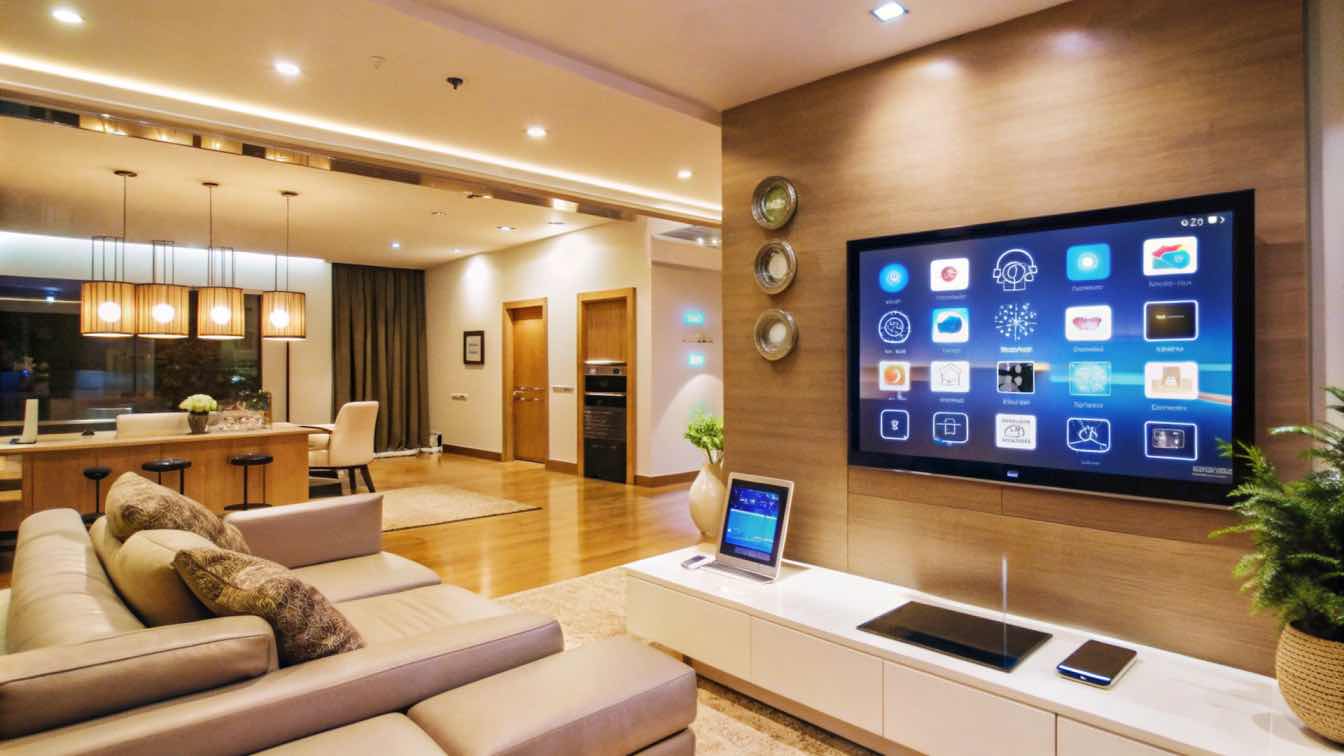
Start by downloading Home Assistant Operating System. You can install it on a Raspberry Pi, which is the most popular entry point for DIY enthusiasts, or on a virtual machine if you have spare hardware. The official documentation provides detailed guides for each platform. This local installation ensures your automations run even if your internet goes down.
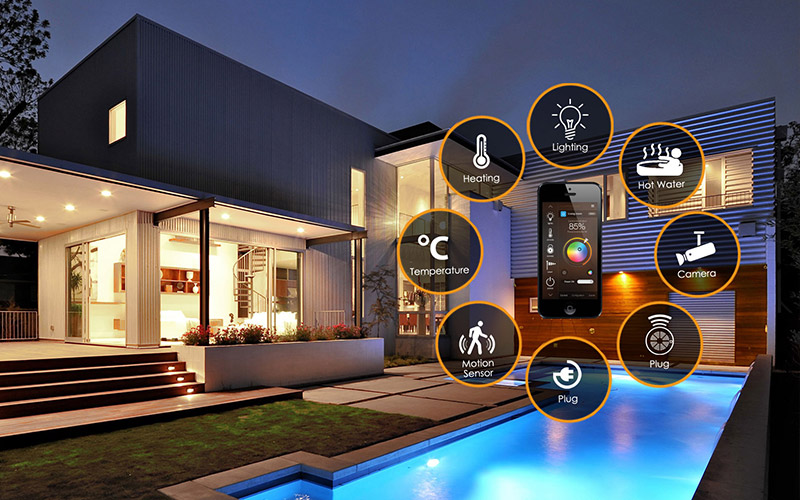
Home Assistant shines because it integrates with almost everything. Whether you have Philips Hue bulbs, Sonos speakers, or Ecobee thermostats, there is likely an official integration available. You simply add the integration in the settings, enter your credentials, and the devices appear in your dashboard. This unifies brands that usually don't talk to each other.
Once your devices are connected, you can create automations. You can use the visual editor for simple tasks, like turning on a light when motion is detected. For more complex logic, such as conditional routines based on weather or time of day, the YAML editor offers precise control. This is where you define the "if this, then that" logic that makes your home truly smart.
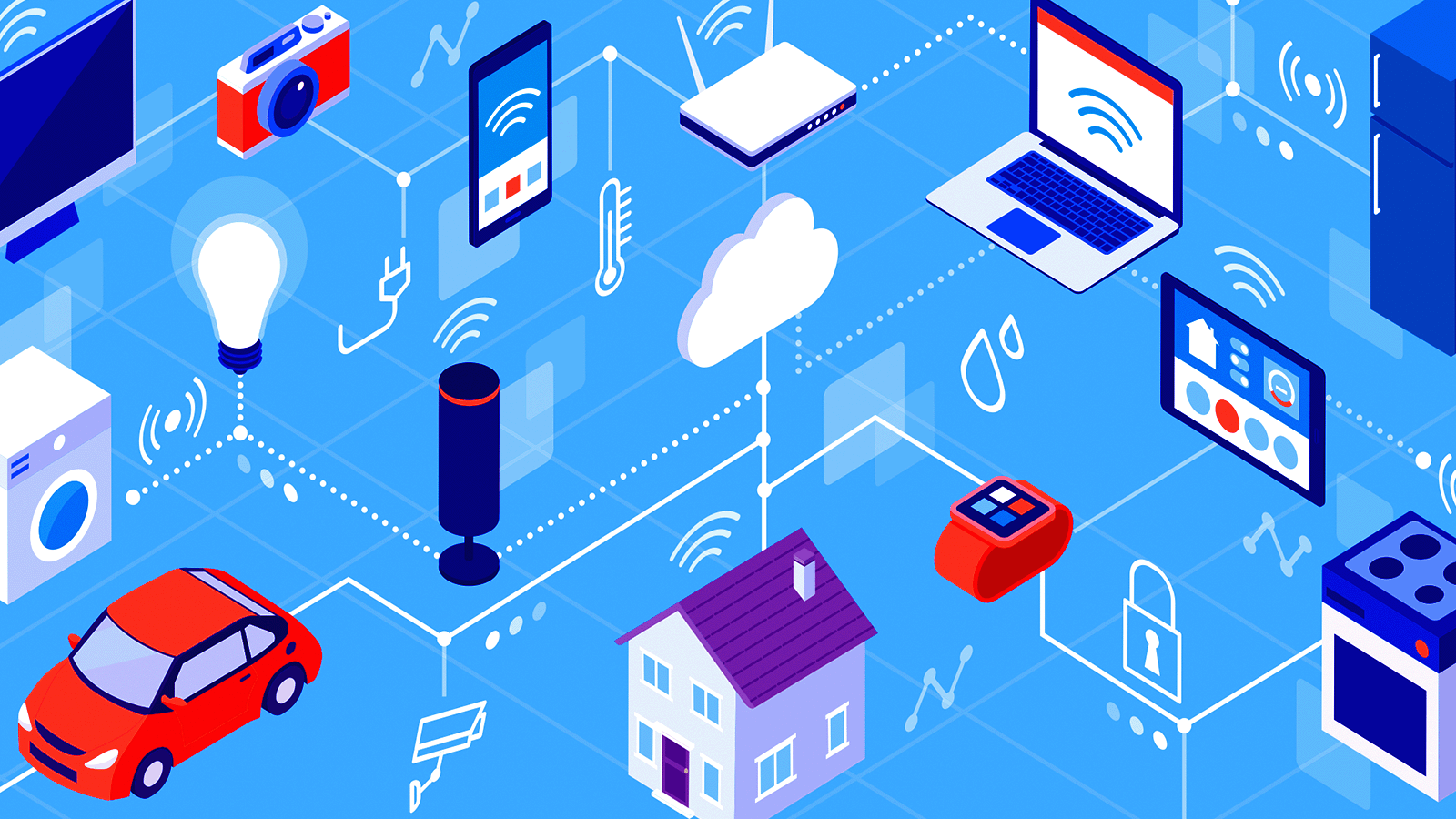
To avoid Wi-Fi congestion, many DIYers add a dedicated Zigbee or Z-Wave dongle. These protocols are designed for low-power, mesh-network devices like sensors and switches. They are more reliable than Wi-Fi for these types of gadgets and don't clog your home network. This step is optional but highly recommended for a robust, scalable system.
The learning curve is steeper than using a simple app, but the payoff is a system that works exactly how you want it to. You get detailed energy monitoring, local voice control with tools like Nabu Casa, and the satisfaction of building something unique. For those who value privacy and control, Home Assistant is the ultimate DIY smart home solution.
Is smart home automation worth the cost?
The short answer is yes, provided you choose devices that solve specific problems rather than collecting gadgets. Smart home technology offers value on multiple levels, from simplified daily routines to long-term energy savings. Devices like smart thermostats, lighting, locks, and hubs offer strong returns in convenience and peace of mind, as well as energy savings and even home value.
The most immediate financial benefit comes from climate control. A smart thermostat learns your schedule and adjusts heating or cooling when you are away, preventing wasted energy. Over a year, this can significantly lower utility bills, often paying for the device itself within the first 12 to 24 months. Beyond cost, the convenience factor is substantial; automating lights and locks means fewer forgotten switches and keys.
However, not all devices deliver the same return. Simple smart plugs are low-cost entry points that let you monitor energy usage of older appliances, while security cameras provide peace of mind that is hard to price. The key is to start with one or two high-impact areas, such as energy management or security, and expand from there.
No comments yet. Be the first to share your thoughts!