

Pick your automation hub
Your smart home hub is the central brain that connects your lights, locks, and sensors. Choosing the right one determines whether your devices work together smoothly or require multiple apps to manage. The market splits into two distinct paths: proprietary ecosystems that prioritize convenience, and open-source platforms that prioritize local control and privacy.
| Hub Type | Protocol Support | Privacy Stance | Ecosystem Lock-in |
|---|---|---|---|
| Proprietary (e.g., Apple Home, Google Home) | Matter, Wi-Fi, proprietary | Cloud-dependent | High |
| Home Assistant | Matter, Zigbee, Z-Wave, Bluetooth | Local-first | Low |
| Hubitat | Zigbee, Z-Wave, Matter | Local-first | Medium |
| Samsung SmartThings | Matter, Zigbee, Z-Wave | Hybrid (local/cloud) | Medium |
Proprietary hubs like Apple Home or Google Home are easy to set up and integrate seamlessly with voice assistants. However, they often rely on cloud processing, which can introduce latency and privacy concerns. If a server goes down or an update breaks compatibility, you may find your devices unresponsive.
Open-source options like Home Assistant offer granular control and keep data on your local network. This approach requires more technical effort to configure but provides greater reliability and independence from internet connectivity. For tech enthusiasts who value privacy and long-term device compatibility, local-first hubs are often the superior choice.
Smart lighting and plugs
Smart home automation starts with the devices that touch your daily routine most often. Smart bulbs and plugs offer the fastest return on investment because they turn dumb hardware into responsive tools without requiring new wiring or professional installation. For tech enthusiasts, the real value lies in local control and privacy. Choosing devices that support Matter and Thread ensures your lights and outlets work reliably even when the internet goes down, keeping your home automated and secure.
Start with smart plugs to automate high-drain or frequently used appliances. A smart plug lets you schedule a coffee maker, monitor the energy usage of a space heater, or turn off a forgotten lamp from your phone. Look for plugs that support local execution, so voice commands and schedules don't depend on a cloud server. This approach gives you immediate convenience and a clearer picture of your home's energy consumption.
For lighting, smart bulbs provide both convenience and ambiance. They allow you to dim lights for movie night, change colors to match your mood, or set schedules that mimic natural daylight cycles. When selecting bulbs, prioritize those with high color rendering indices (CRI) for accurate color representation in living spaces. Like plugs, bulbs that support local protocols offer the best reliability, ensuring your lighting system remains responsive and private.


As an Amazon Associate, we may earn from qualifying purchases.
Secure your home with smart locks
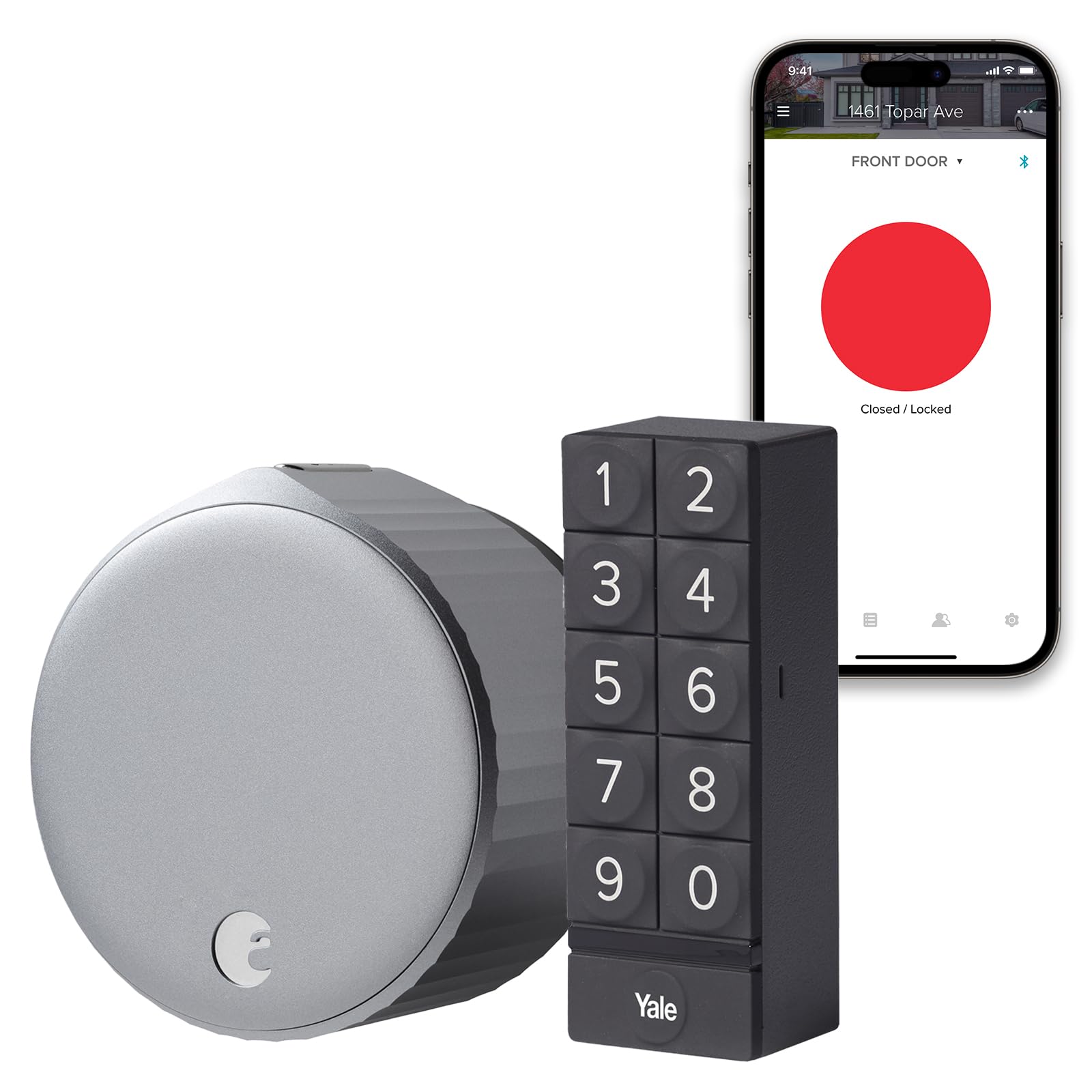
Smart locks are the physical gateway to your automation routine. They replace the key with a code, a fingerprint, or a phone tap, giving you real-time visibility into who enters and exits. For tech enthusiasts, the priority is local control and privacy. A lock that relies entirely on cloud servers can leave you locked out during an outage; local hubs or Matter-certified devices ensure your entry system works even when the internet goes down.
When choosing a lock, look for models that support Matter or Thread protocols. These standards allow the lock to communicate directly with your hub without relying on proprietary bridges. This reduces latency and keeps your data within your home network. Features like auto-locking and tamper alerts add layers of security, but the best locks are the ones that integrate seamlessly with your existing routines.


As an Amazon Associate, we may earn from qualifying purchases.
Automate climate and energy
Smart thermostats and energy monitors are the most effective way to lower utility bills without sacrificing comfort. By learning your schedule and adjusting heating or cooling automatically, these devices eliminate the waste of conditioning empty rooms. For tech enthusiasts, local control is often a priority; many modern hubs process these decisions on-device, ensuring your data stays private even if the internet goes down.
The best systems offer granular insights into your energy usage. Instead of just seeing a monthly bill, you can track exactly how much energy each zone consumes, allowing you to identify leaks or inefficient habits. This visibility, combined with automated scheduling, creates a feedback loop that steadily reduces your carbon footprint and your monthly costs.


As an Amazon Associate, we may earn from qualifying purchases.
DIY projects with Home Assistant
Home Assistant is the open-source engine for users who want full local control over their smart home. Unlike cloud-dependent platforms, it runs on your own hardware, keeping your data private and ensuring your automations work even when the internet goes down. It connects to thousands of devices through a unified interface, letting you build complex routines that proprietary ecosystems often restrict.
The software is free, but you need a host to run it. A Raspberry Pi 4 is the most common entry point for hobbyists, while a mini PC or a dedicated NAS works for larger setups. The hardware choice dictates how many integrations you can run simultaneously, especially if you use voice assistants or energy monitoring locally.
Getting started requires some technical comfort. You’ll install the operating system, configure your network, and then add devices through the dashboard. The community is vast, with guides for almost every sensor and switch on the market. This DIY approach pays off in flexibility: you can mix brands, avoid vendor lock-in, and create automations that react to local conditions like temperature or occupancy without sending data to the cloud.
-
Install Home Assistant OS on a Raspberry Pi or mini PC
-
Connect your existing smart devices via Zigbee, Z-Wave, or Wi-Fi
-
Configure local automations for lighting and climate control
-
Set up mobile notifications and dashboard views
Is smart home automation worth it?
The short answer is yes, but only if you prioritize local control and privacy. Cloud-based ecosystems are convenient but create single points of failure; if the internet drops or a vendor changes its terms, your home goes dark. Tools like Home Assistant put local control first, keeping your data on your own hardware while still integrating with major brands.
Cost is the other barrier. A full smart home can get expensive quickly, but you don't need to automate everything at once. Start with high-impact devices like smart plugs, a reliable hub, or a smart thermostat. These provide immediate energy savings and convenience, helping you justify the initial investment.
For those worried about complexity, modern hubs handle the heavy lifting. You no longer need to be a network engineer to connect devices. Focus on devices that communicate via Matter or Zigbee to ensure long-term compatibility, avoiding proprietary walled gardens that lock you into one vendor's ecosystem.
No comments yet. Be the first to share your thoughts!