
Choosing the right automation hub
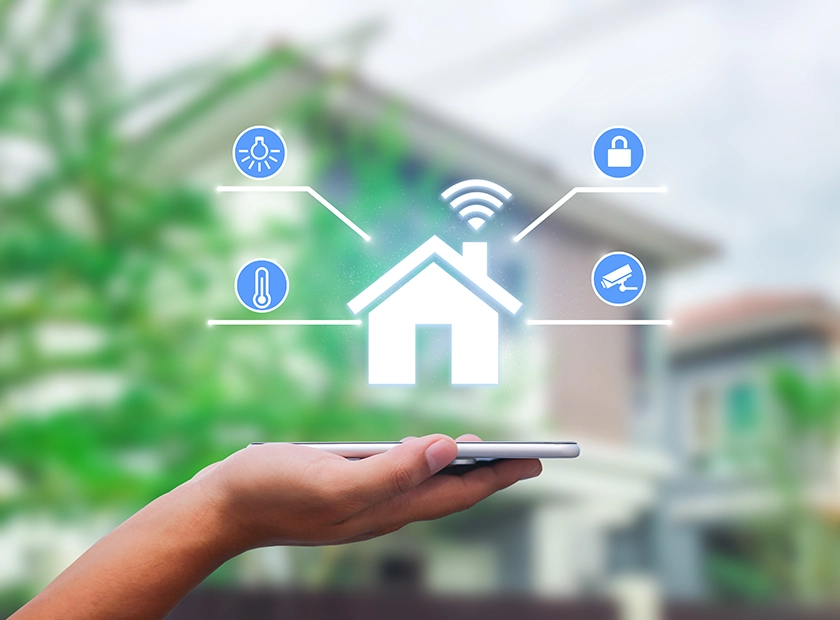
Think of your smart home hub as the central nervous system. Without it, your lights, locks, and sensors are just isolated gadgets shouting into the void. The hub translates commands and keeps everything synchronized. For 2026, the market splits into two distinct camps: proprietary ecosystems and open-source platforms. Your choice depends on how much control you want versus how much setup you’re willing to do.
Major ecosystems like Apple HomeKit, Samsung SmartThings, and Amazon Alexa offer plug-and-play convenience. They work out of the box with thousands of certified devices. If you prioritize ease of use and don’t mind your data living in the cloud, these are reliable starting points. However, they often lock you into specific brands or limit advanced automation logic.
For those who prefer local control and privacy, open-source hubs like Home Assistant are the gold standard. Home Assistant runs on your own hardware, meaning your automation scripts and camera feeds never leave your house. It integrates virtually every device protocol, from Zigbee to Matter, but requires more technical comfort to set up. It’s the choice for tinkerers who want total ownership of their smart home.
If you’re building a comprehensive setup, consider starting with a hub that supports Matter, the new universal standard. This ensures your future devices will work regardless of the brand. Below are some popular devices that pair well with both major hubs and open-source platforms.
Top smart lighting and plugs
Smart lighting and smart plugs are the easiest entry points for home automation. They require no wiring changes and deliver immediate value through convenience and energy savings. You can automate routines like turning off lights when you leave a room or scheduling coffee makers to start before you wake up.
The market is dominated by a few reliable ecosystems. Philips Hue offers the best color accuracy and longevity but comes at a premium. For budget-friendly options that work with Alexa, Google Home, or Apple Home, brands like TP-Link Kasa and Wyze provide solid performance without breaking the bank. Look for devices that support Matter protocol for future-proof compatibility.


As an Amazon Associate, we may earn from qualifying purchases.
Security systems with automation
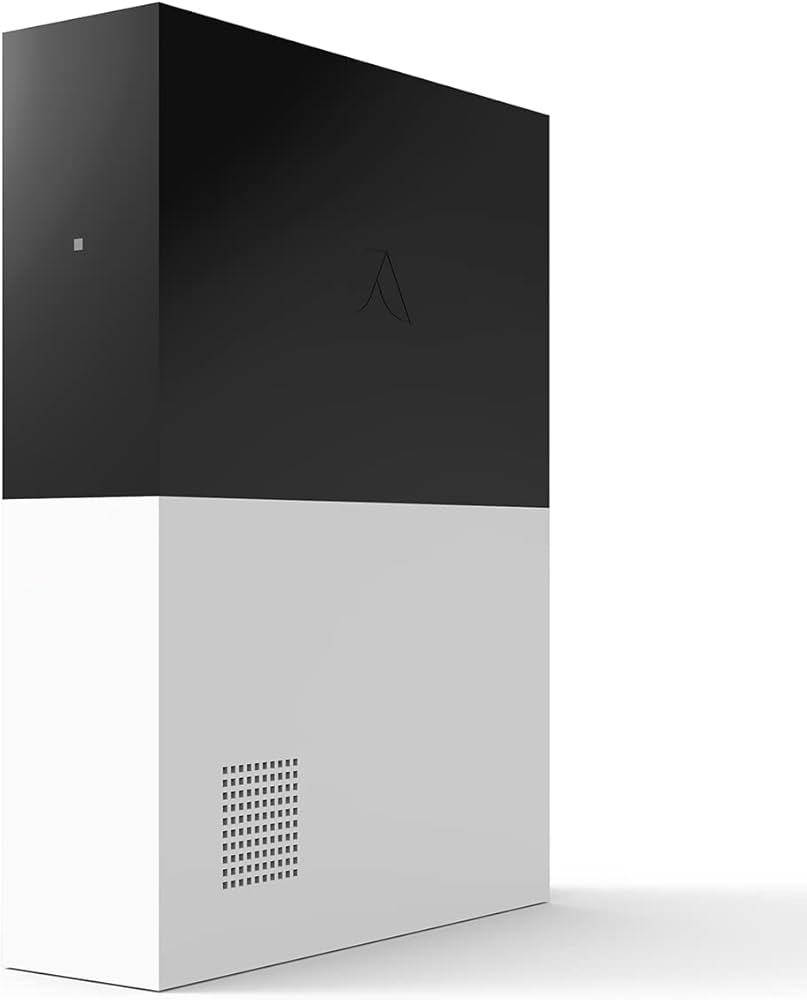
The best smart home security systems in 2026 go beyond simple alarms. Vivint, ADT, and Abode lead the market by integrating monitoring with full home automation. These platforms let you control lights, locks, and thermostats remotely, turning your security system into a central hub for daily convenience.
A Vivint smart home system, for example, lets you check on your porch or adjust the temperature from anywhere using the Vivint app. This level of control provides flexibility and peace of mind, ensuring your home responds to your presence or absence automatically.
To help you choose the right setup, here is a comparison of the key features offered by these top providers.
| System | Automation Scope | Monitoring | Smart Home Integration |
|---|---|---|---|
| Vivint | Full home control (lights, locks, climate) | Professional 24/7 | Vivint App, Voice Assistants |
| ADT | Security-focused with add-ons | Professional 24/7 | ADT Control App, Alexa |
| Abode | DIY automation (lights, locks, sensors) | Self or Professional | Abode App, IFTTT, Zigbee |
AmazonProductGrid


DIY automation projects for enthusiasts
Off-the-shelf hubs often lock you into specific ecosystems or cloud dependencies. For enthusiasts who want full control over data privacy and device interoperability, building a custom automation layer is the most rewarding path. This approach transforms your home from a collection of connected gadgets into a unified, responsive system.
Local control with Home Assistant
Home Assistant remains the gold standard for open-source home automation. It runs locally on your own hardware, ensuring that your routines continue even if your internet goes down. The platform supports thousands of integrations, bridging the gap between Zigbee, Z-Wave, Matter, and proprietary cloud devices.
By running Home Assistant on a Raspberry Pi or a small form-factor PC, you gain visibility into every device’s status and automate complex scenarios that commercial apps can’t handle. It’s not just about turning lights on and off; it’s about creating context-aware environments that adapt to your presence and habits.
Integrating third-party hubs
For those who want to keep their existing smart home investments, bridging protocols is a powerful DIY project. Tools like Zigbee2MQTT or ZHA allow you to connect non-Matter devices to a central MQTT broker. This setup lets you script logic using Node-RED, creating custom automations that react to sensor data, time, or external APIs.
This hybrid approach offers the best of both worlds: the ease of use from established brands and the flexibility of open-source code. You can automate everything from irrigation systems based on local weather forecasts to security routines that trigger cameras only when motion is detected in specific zones.
Essential hardware for your build
To get started, you’ll need a reliable controller and some compatible sensors. The following devices are popular choices for DIY enthusiasts looking to build a robust, local-first smart home.


As an Amazon Associate, we may earn from qualifying purchases.
Getting started checklist
Building your first DIY automation setup can feel daunting, but breaking it down into manageable steps makes the process straightforward. Start with a single room or a few critical devices to test your configuration before expanding.
-
Choose a controller hardware (e.g., Raspberry Pi or NUC)
-
Install Home Assistant OS on your chosen device
-
Connect your first Zigbee or Wi-Fi device
-
Create a basic automation (e.g., light on at sunset)
-
Test reliability and add more integrations
No comments yet. Be the first to share your thoughts!