
Choose your automation brain
Your smart home needs a central controller to manage devices, and the platform you pick dictates how much control you actually have. The best DIY setups prioritize local control over cloud dependency. When your hub processes commands locally, automations run instantly even if the internet goes down, and your privacy remains intact because data stays inside your house.
Most consumer hubs rely on cloud processing, which introduces latency and privacy risks. If your Wi-Fi drops, your lights might stop responding. Open-source platforms like Home Assistant solve this by running locally on your hardware, giving you full visibility and control over every command.
The table below compares the most common platforms for DIY enthusiasts. Home Assistant offers the deepest local integration but requires more technical setup. Samsung SmartThings and Apple HomeKit offer easier onboarding but often route data through the cloud for advanced features.
| Platform | Local Control | Ease of Use | Privacy Focus |
|---|---|---|---|
| Home Assistant | Full | Moderate | High |
| Samsung SmartThings | Partial | Easy | Medium |
| Apple HomeKit | Partial | Very Easy | High |
Secure your entry points
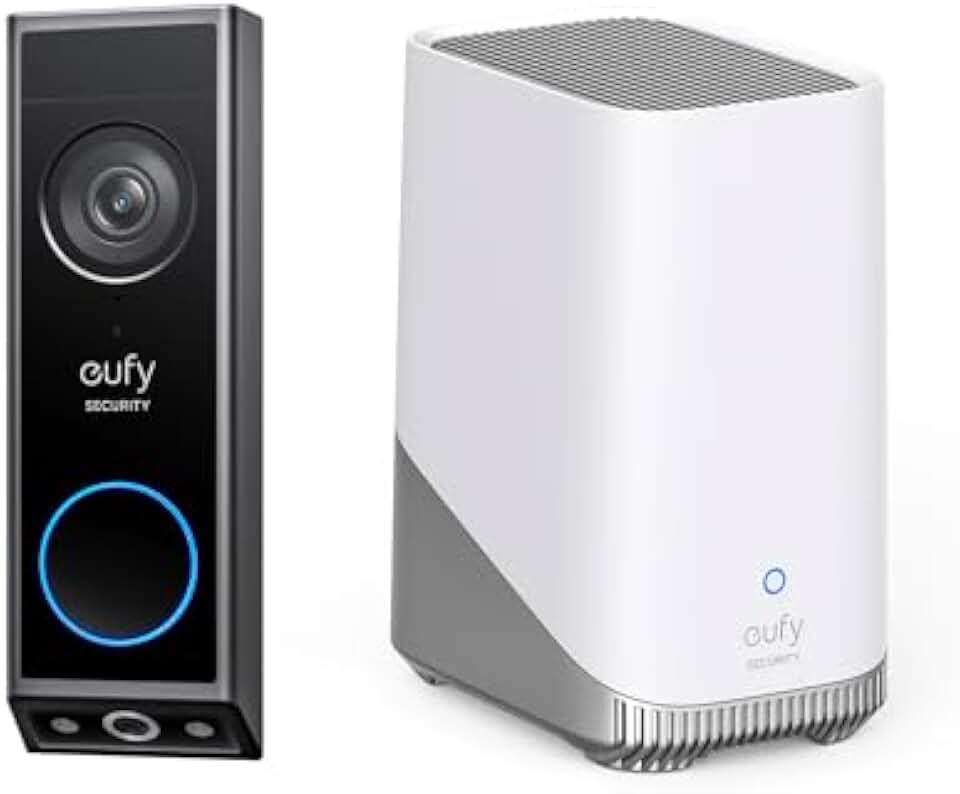
Smart locks and video doorbells are the first line of defense for any DIY automation setup. They replace the physical key with a digital credential, giving you real-time visibility into who is approaching your door. The best devices prioritize local control and privacy, ensuring your entry logs stay on your own hardware rather than a third-party cloud server.
When choosing a smart lock, look for models that support Z-Wave or Zigbee. These protocols allow the lock to communicate directly with your hub without relying on a Wi-Fi connection that might drop during a power outage. For video doorbells, prioritize local storage options or strong encryption standards to keep your footage private. Integration with your chosen hub is non-negotiable; you want to see the doorbell camera feed in your main automation dashboard, not a separate app.
The following products are selected for their robust DIY installation processes and strong integration capabilities with major hubs like Home Assistant, Hubitat, and Samsung SmartThings.



As an Amazon Associate, we may earn from qualifying purchases.
Automate lighting and climate
Lighting and climate control form the backbone of any smart home. They are the devices you interact with most often, so they need to be reliable, private, and easy to set up. The best DIY setups prioritize local control, meaning your lights and thermostat keep working even if your internet goes down.
Smart bulbs and switches
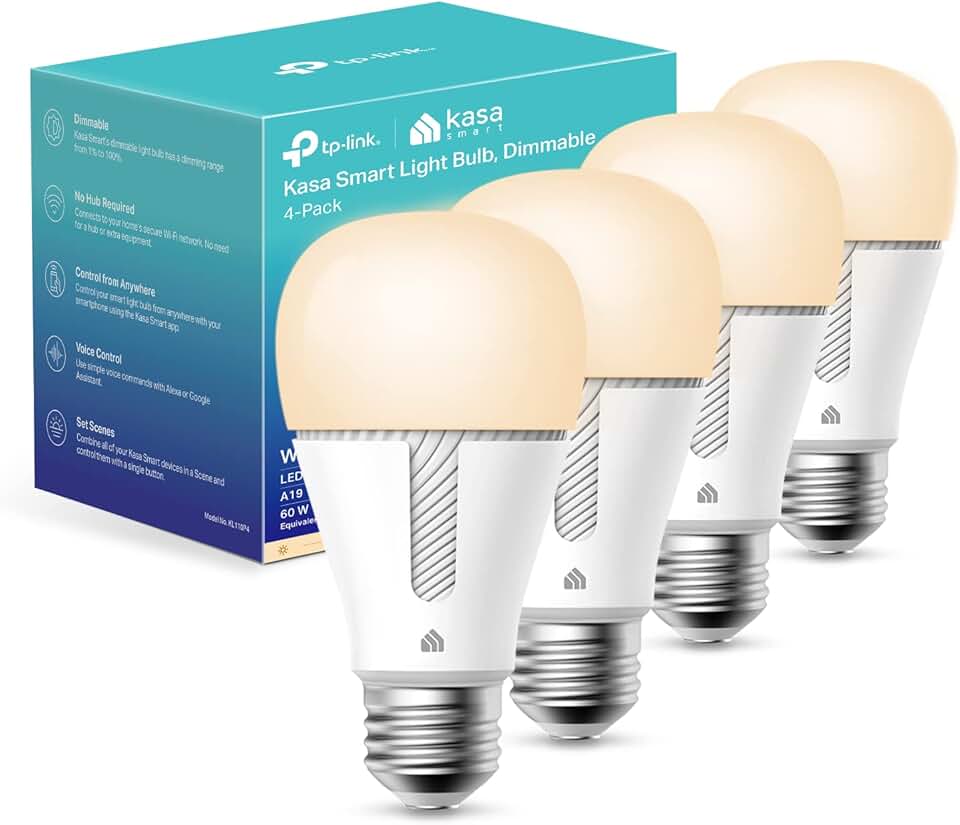
Smart bulbs are the easiest entry point. You can change their color and brightness from your phone or set them to turn on at sunset. For a more permanent solution, smart switches replace your wall plates. They keep your existing physical buttons while adding automation, which is helpful for guests who aren't tech-savvy. Look for switches that support Zigbee or Z-Wave for better stability than Wi-Fi-only models.
Smart thermostats
A smart thermostat learns your schedule and adjusts the temperature automatically. This can lower your energy bills significantly. The best models detect when you leave the house and switch to eco-mode, then warm up before you return. Some also integrate with weather forecasts to pre-cool or pre-heat efficiently.


As an Amazon Associate, we may earn from qualifying purchases.
Start with these easy DIY projects
You don't need a professional installer to begin automating your home. The most effective approach is to start with low-barrier devices that plug into existing outlets or replace standard switches. This method lets you test your smart home automation setup without rewiring your house or compromising your privacy.
Focus on local control first. Devices that operate via local networks or open-source hubs like Home Assistant keep your data off cloud servers. This ensures your routine works even when the internet goes down and keeps your personal habits private.
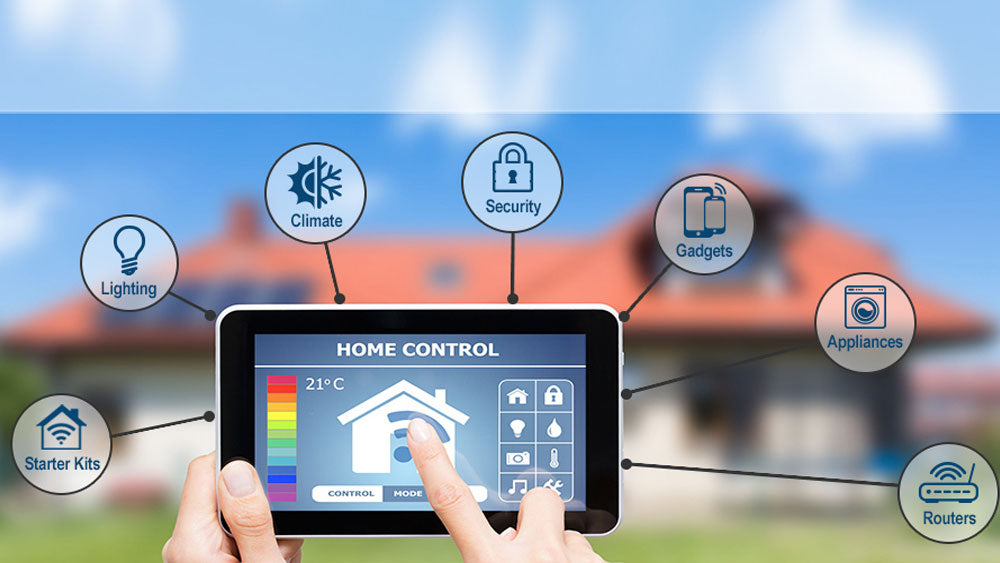
Plug a smart plug into any standard outlet. You can now control lamps, fans, or coffee makers from your phone or voice assistant. This is the fastest way to see the benefit of automation. It turns dumb devices into smart ones without any tools or wiring.
Swap a standard wall switch for a smart switch. This allows you to control lights from the wall and your phone. Look for switches that support Zigbee or Z-Wave for better local control. This creates a more reliable foundation for your network than Wi-Fi-only bulbs.
Place a smart speaker in a central location. Use it to control your new plugs and switches with voice commands. This integrates your devices into a single interface. It also serves as a hub for future additions like security cameras or doorbells.


As an Amazon Associate, we may earn from qualifying purchases.
These three steps create a functional base. You can expand from here by adding sensors or security devices later. The goal is to build a system that feels natural, not complicated. Start small, keep it local, and watch your home become more responsive.
Is smart home automation worth it?
The short answer is yes, but only if you focus on convenience and security rather than novelty. Smart cameras, doorbells, and locks provide tangible peace of mind by letting you monitor your home remotely. For most DIYers, the value comes from reducing daily friction—like unlocking the front door for a delivery driver or turning off lights you forgot to switch off.
Cost is the biggest hesitation, but the return on investment often shows up in energy savings and time reclaimed. Modern devices integrate across platforms, meaning you don't need to replace everything at once. Start with high-impact items like smart plugs or thermostats, then expand as your comfort level grows.
Privacy and local control are the real differentiators. Choose devices that support local execution so your home stays functional even when the internet drops. This approach protects your data from cloud breaches and ensures reliability. If a device requires a constant server connection for basic functions, it's likely not worth the complexity.
No comments yet. Be the first to share your thoughts!