

The voice AI security gap
Recent demonstrations at GEEKCon in Shanghai revealed a disturbing vulnerability in voice-controlled devices. Chinese security researchers successfully hacked a Unitree humanoid robot, gaining full root access simply through voice commands. They weren't exploiting a software bug in the robot’s core programming, but rather a weakness in how the robot interpreted and executed voice instructions.
This isn't just about robots dancing. If someone can hijack a voice command, they own your door locks and security cameras. I've seen too many DIY projects focus on convenience while leaving the front door digitally unlocked.
For too long, we’ve treated voice control as a convenient feature, not a potential security risk. The Unitree hack demonstrates that even commercially available robots, designed with some security measures in place, are susceptible. This should prompt anyone experimenting with voice AI smart home integration to seriously consider the potential attack vectors and how to mitigate them. It's not a matter of if someone will try to exploit these systems, but when.
Moving past basic light switches
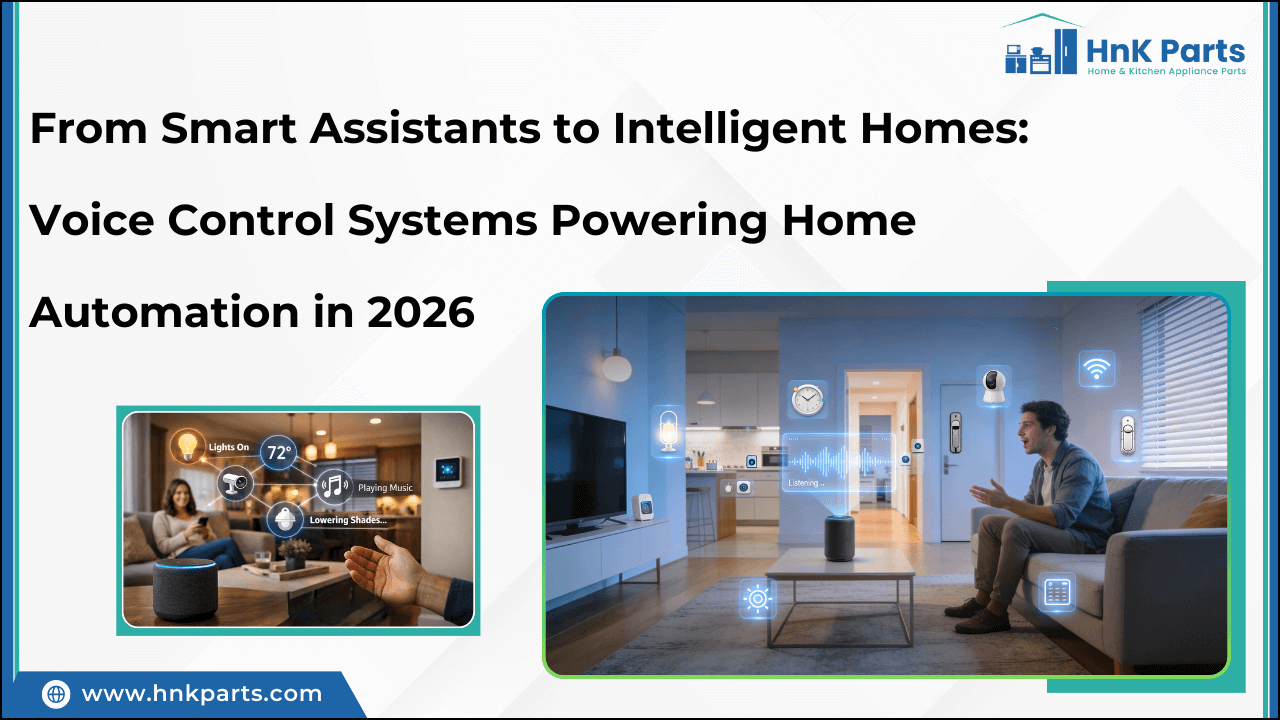
Most people think of smart home voice commands as simple on/off switches: “Alexa, turn on the lights.” But the true power of voice AI smart home automation projects lies in creating complex, multi-step actions triggered by a single phrase. Imagine streamlining your evening routine or simplifying your home security.
Consider a "Movie Night’ command. This single phrase could dim the lights to 20%, close the smart blinds, turn on the TV and set it to your streaming device, and even adjust the thermostat to a cozy 70 degrees. Or, a ‘Leaving Home" command could lock all doors, arm the security system, turn off all non-essential devices, and send a confirmation message to your phone.
The possibilities are limited only by your imagination and the capabilities of your devices. This level of personalization and convenience is what separates a basic smart home from a truly intelligent one. It’s about creating an environment that anticipates your needs and responds automatically, freeing you from repetitive tasks.
Voice Assistants & Their Limits
The big three voice assistants – Google Assistant, Amazon Alexa, and Apple Siri – all offer ways to create custom routines, but their capabilities vary significantly. Google Assistant generally provides the most flexibility, allowing for complex routines with multiple actions and conditional logic. It’s also the most open to integration with third-party services.
Amazon Alexa has a massive library of skills, but making it do exactly what you want usually means writing code. Apple Siri is still the most annoying to work with; if it isn't a HomeKit device, it probably won't work without a headache.
The built-in tools for each platform are often sufficient for simple automations, but they quickly hit a wall when you want to go beyond the basics. Creating truly sophisticated smart home automation projects usually requires leveraging the underlying SDKs and APIs, which can be a steep learning curve. The limitations are real, and understanding them is crucial before investing too much time in a particular ecosystem.
- Google Assistant is the most flexible and plays best with third-party hardware.
- Amazon Alexa: User-friendly, large skill library, moderate customization.
- Apple Siri is the most restrictive and mostly stays within the HomeKit ecosystem.
Voice AI Integration Comparison - 2026
| Voice Assistant | Ease of Customization | Device Compatibility | Security Features | Offline Functionality | Developer Support |
|---|---|---|---|---|---|
| Alexa | Good - Skills Kit is mature | Excellent - Widest range of supported devices | Fair - Security relies heavily on skill developer practices | Limited - Basic voice control for some features possible without internet | Excellent - Extensive documentation and large developer community |
| Google Assistant | Excellent - Dialogflow offers powerful natural language processing | Very Good - Strong integration with Google's ecosystem and Nest devices | Good - Robust security features, but data privacy concerns remain | Fair - Some local control via Google Home Hub, but limited | Good - Active developer community and comprehensive documentation |
| Siri | Fair - Limited customization options compared to competitors | Good - Best integration with Apple HomeKit ecosystem | Good - Strong focus on user privacy, end-to-end encryption for some data | Poor - Requires constant internet connection for most functions | Fair - Developer support improving, but smaller community than Alexa or Google |
| Microsoft Cortana | Fair - Customization is possible, but requires more technical expertise | Fair - Integration with Microsoft ecosystem and select smart home devices | Good - Microsoft's security infrastructure provides a strong base | Limited - Offline functionality primarily focused on basic tasks | Fair - Developer resources available, but community is smaller |
| Samsung Bixby | Good - Improving customization through Bixby Routines | Good - Strong integration with Samsung SmartThings ecosystem | Fair - Security features are evolving, but data privacy concerns exist | Poor - Heavily reliant on cloud connectivity | Fair - Developer support is growing, but documentation can be limited |
Qualitative comparison based on the article research brief. Confirm current product details in the official docs before making implementation choices.
Using IFTTT and Node-RED for better control
When the native capabilities of voice assistants fall short, intermediary platforms like IFTTT (If This Then That) and Node-RED come into play. IFTTT acts as a translator, connecting different services and devices that wouldn’t normally talk to each other. It’s relatively easy to use, with a visual interface that allows you to create "Applets" – simple automation rules.
Node-RED, on the other hand, is a more powerful, open-source platform that uses a visual programming approach based on "flows." You connect nodes representing different actions and services, creating complex logic and workflows. While it has a steeper learning curve than IFTTT, Node-RED offers far greater control and flexibility.
Think of IFTTT as a quick and easy way to connect a few services, while Node-RED is a full-fledged automation engine. You could use IFTTT to trigger a smart bulb to turn on when you receive a text message, but Node-RED could analyze data from multiple sensors, adjust the thermostat based on occupancy, and send a notification only if certain conditions are met. Both are valuable tools for expanding the possibilities of your voice AI smart home.
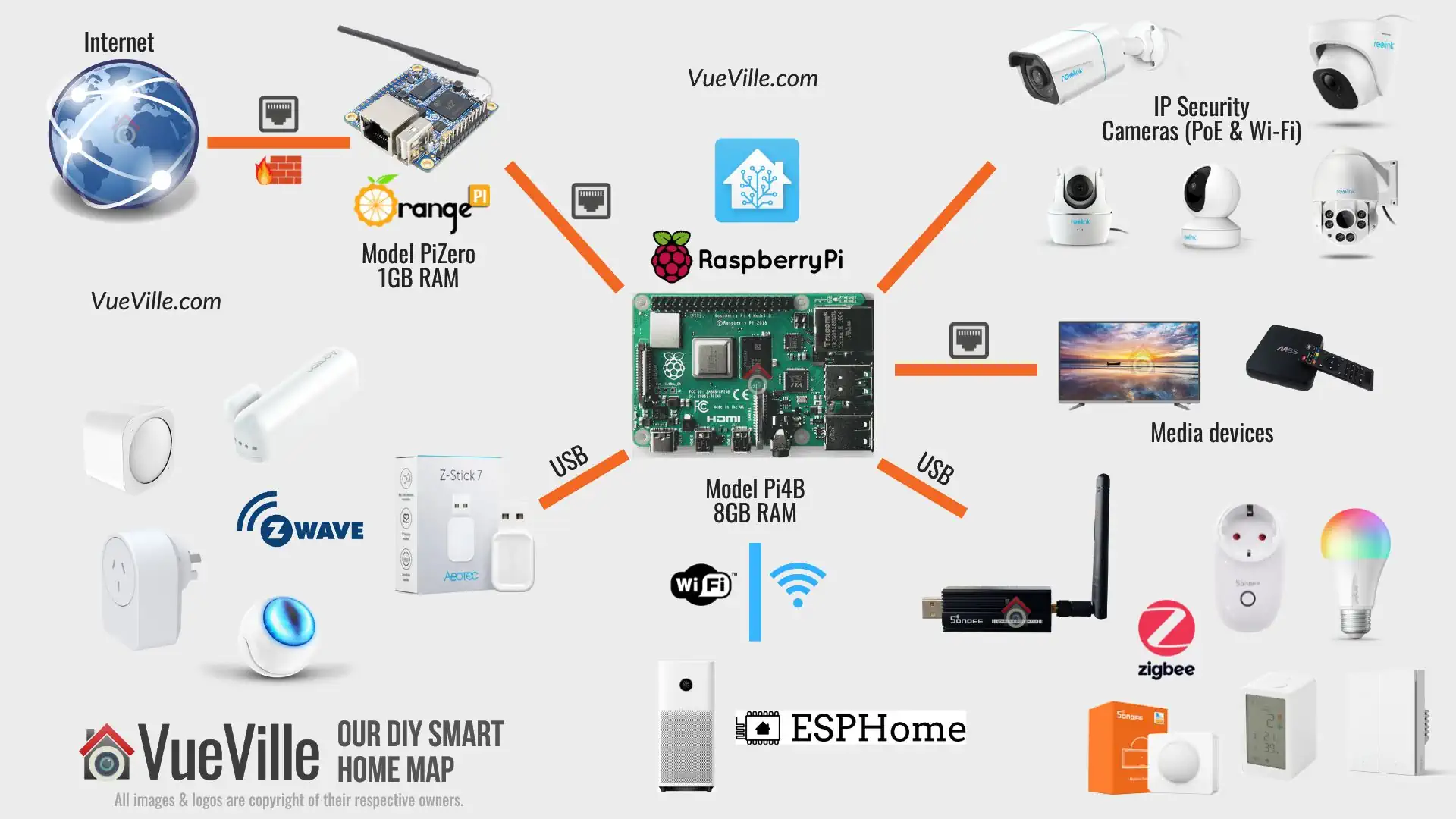
Node-RED, running on a Raspberry Pi, can become the central nervous system of your smart home. It’s a popular choice for those wanting a local, self-hosted solution, avoiding reliance on cloud services.
DIY Voice Command Architectures
For the truly dedicated, building a completely custom voice command system is possible. This involves using open-source voice recognition software like Rhasspy or Mycroft AI. Rhasspy is particularly interesting because it's designed to run entirely offline, enhancing privacy and reliability.
These platforms allow you to define your own vocabulary, train the voice model to recognize your specific commands, and create custom "skills’ or ‘actions’ that perform specific tasks. It"s a significant undertaking, requiring some technical expertise and a willingness to tinker.
A key component of a DIY system is a local voice processing server. This server handles the speech recognition and command execution, keeping your data private and ensuring that your automations continue to function even if your internet connection goes down. This is a more advanced approach, but it offers the ultimate level of control and customization. You’re no longer bound by the limitations of commercial platforms.
However, be prepared for a learning curve. Setting up and maintaining a local voice processing server requires familiarity with Linux, Python, and potentially other programming languages. It's a rewarding challenge for tech enthusiasts, but not for the faint of heart.
- Rhasspy: Offline voice recognition, privacy-focused.
- Mycroft AI: Open-source voice assistant, customizable skills.
- Local Voice Server: Ensures privacy and reliability.
Security Best Practices: Protecting Your Voice Home
The GEEKCon hack should serve as a stark reminder: security is paramount. Start with the basics: strong, unique passwords for all your smart home devices and accounts. Enable two-factor authentication wherever possible. Secure your Wi-Fi network with a strong password and encryption (WPA3 is recommended).
Carefully review the permissions granted to voice assistants and third-party integrations. Only allow access to the data and devices they absolutely need. Regularly update the firmware on all your smart home devices to patch security vulnerabilities. Voice spoofing is a growing concern, so consider using voice authentication features when available.
Be wary of suspicious voice commands or unexpected behavior. If something seems off, investigate immediately. Consider segmenting your smart home network to isolate sensitive devices from less secure ones. A dedicated VLAN for IoT devices can add an extra layer of protection. It’s a layered approach – no single measure is foolproof, but combining multiple security practices significantly reduces your risk.
- Strong Passwords: Unique and complex passwords for all accounts.
- Two-Factor Authentication: Add an extra layer of security.
- Network Security: Secure Wi-Fi with WPA3.
- Permission Review: Limit access to data and devices.
- Regular Updates: Patch security vulnerabilities.



No comments yet. Be the first to share your thoughts!